Transfer data using TCP server#
Note
Only applicable to Barcode Readers that support Wi-Fi transmission, such as DS2800.
Quick configuration#
Static command instructions
If the interactive HTML tool is unavailable, replace the placeholders as described in this section and verify the command.
AT+SOCK=TCPS,<port>,<ipv4-address>;AT+RAP=<ssid>[,<wifi-password>]
Note
Use this tool to generate configuration code when you use third-party software to build a TCP client.
Demo software#
Click the link below to download the demo software: Netum Wi-Fi TCP Client
Connect#
Download the demo software and extract it to a local directory.
Open the demo software, enter the Wi‑Fi information that the Barcode Reader needs to connect to, the IP address of the Barcode Reader and the TCP server port, and then use the Barcode Reader to scan the QR code below.
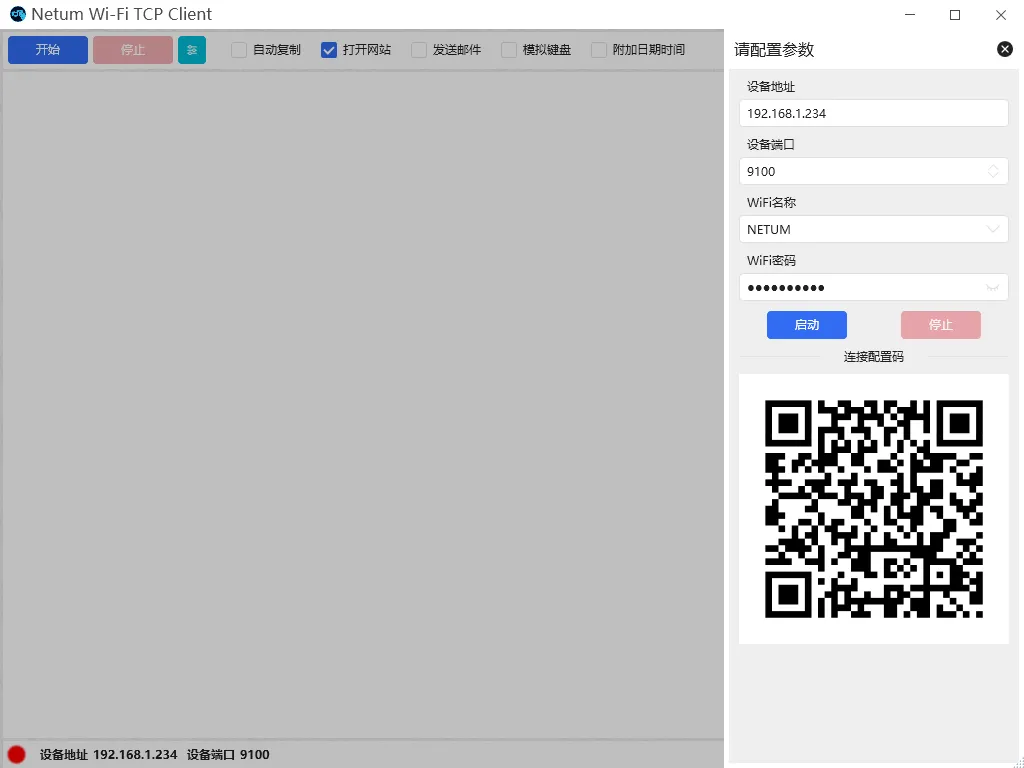
TCP client configuration QR code example#
Click the start button, or start the TCP client through the program to connect to the Barcode Reader.
After the software establishes a connection with the Barcode Reader, the indicator light on the Barcode Reader will stay on.
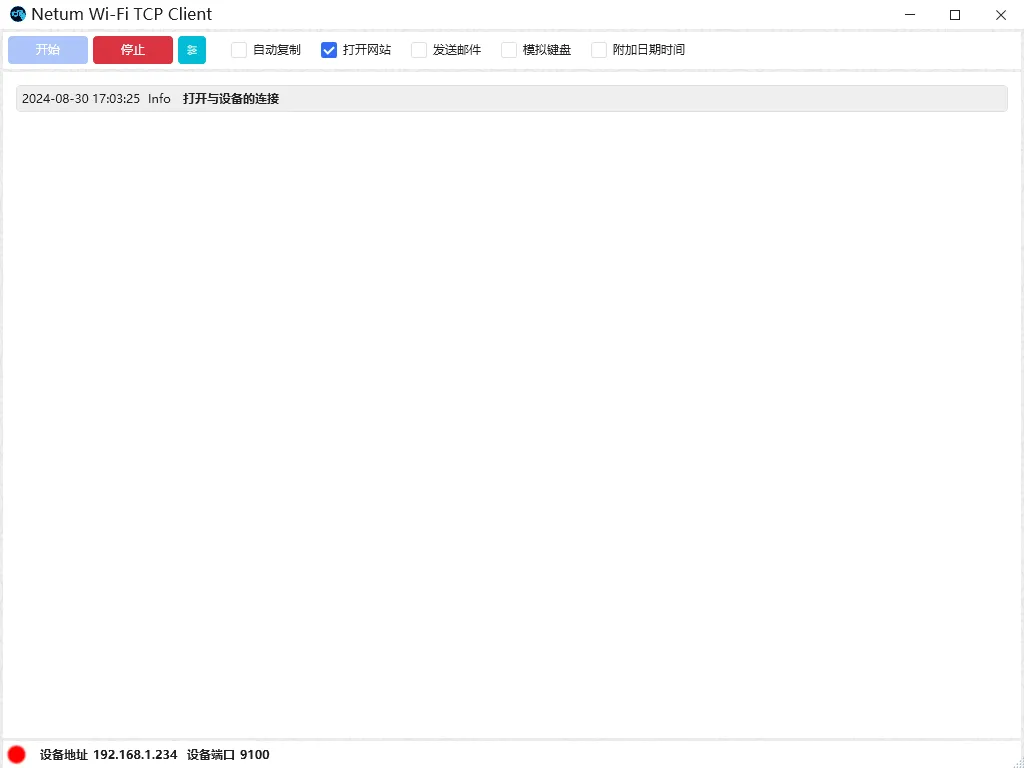
TCP client connection example#
Note
Device address: The IP address of the Barcode Reader in the LAN.Device port: TCP service port opened by the Barcode Reader.