RTC clock settings#
Note
Only available for some Barcode Readers that support RTC.
Output format#
Note
The timestamp can be corrected by scanning the Parameter Barcode. The RTC correction function of the electronic manual already includes the time zone, and the query is the local time; the time can also be synchronized through the Bluetooth SDK.
Example
Timestamp correction command format example: %RTCTIME#21/12/24,01:58:06+32.
Static command instructions
If the interactive HTML tool is unavailable, replace the placeholders as described in this section and verify the command.
%RTCTIME#YY/MM/DD,hh:mm:ss<quarter-hour-timezone>#
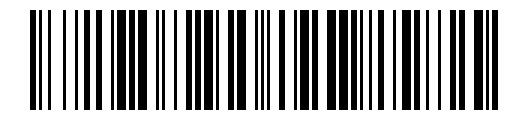
Disable Timestamp#
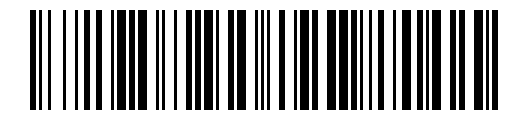
Turn on timestamp (suffix)#
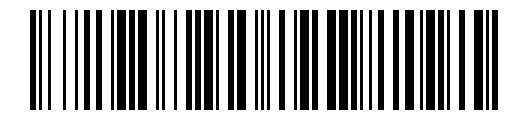
Turn on timestamp (prefix)#
delimiter#
The barcode and time are separated by Tab by default. If you need to modify it, you can edit the following command to generate the Parameter Barcode:
%RTCSTAMP#Sx
xASCII value. Hexadecimal can be represented by
\xplus two characters, and the character range is0~9,A~F.

Tab separated (default)#

RS separated#
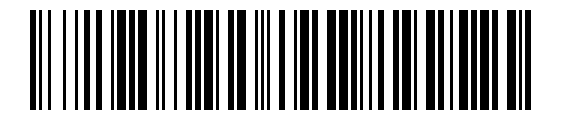
semicolon separated#