Trigger Settings#
Important
When modifying the parameters on this page, scan “Start Setup” first, then scan the target Parameter Barcode; scan “End Setup” after completion.
Scan Mode#
Continuous Decode Mode#
Reading is continuous in this mode.
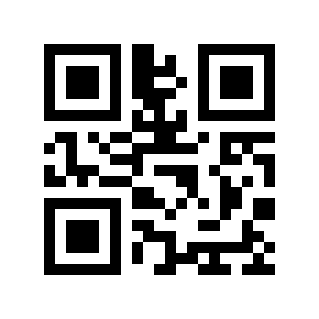
Continuous Decode Mode#
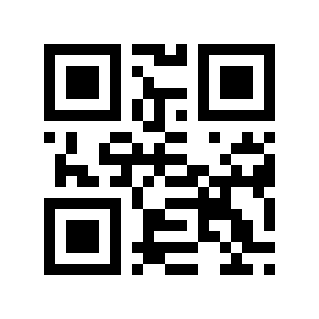
same symbol timeout 0# |
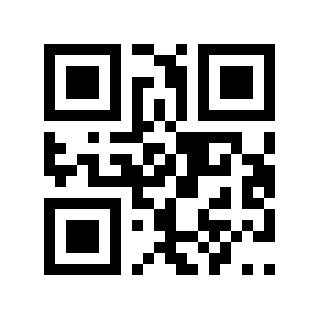
same symbol timeout 3000# |
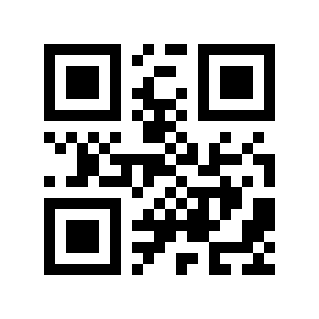
same symbol timeout 5000# |
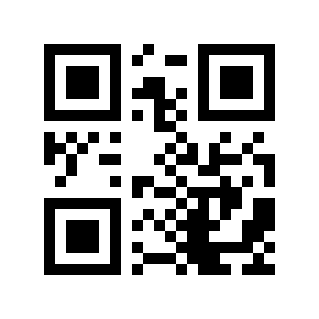
Different code delay 0# |
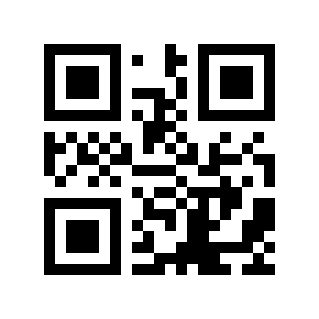
Different code delay 3000# |
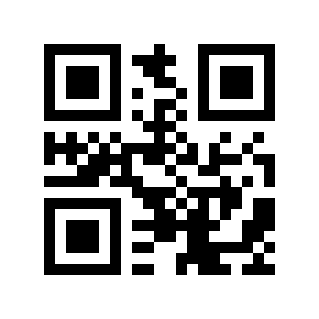
Different code delay 5000# |
Presentation Mode#
In this mode, the Barcode Reader starts scanning when it detects a moving object. A successful decode or expiration of the Decode Timeout ends the scan session.
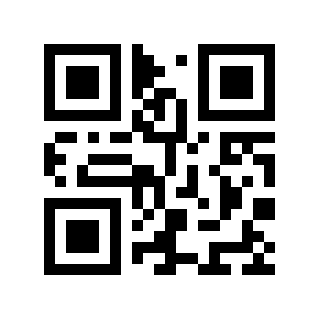
Presentation Mode#
One shot mode#
In this mode, after successful reading, you need to experience a reading failure before the same barcode will be output again.
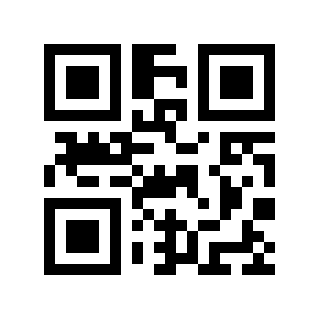
One shot mode#