Data Editing#
Important
On this page, perform settings in the order: Start Setup -> Function Parameter Barcode -> End Setup.
Output format#
The following is the data output format.
Field |
Length / Description |
|---|---|
Barcode Information |
|
Prefix |
|
AIM ID |
|
Barcode Data |
|
Suffix |
|
Terminator |
|
Barcode Information#
Important
For this procedure, perform settings in the order: Start Setup -> Function Parameter Barcode -> End Setup.
By default, barcode information is not output.
Use a serial command or scan a Parameter Barcode to enable or disable barcode information output.
Warning
This function is supported only in serial mode and is not supported in USB keyboard mode.
The format is defined as follows:
Field |
Length / Description |
|---|---|
Start Flag |
|
Barcode Symbology Code |
|
Barcode Length |
|
Barcode symbology codes are as follows:
Code |
Barcode Types |
|---|---|
|
PDF417 |
|
MicroPDF417 |
|
Data Matrix |
|
QR Code |
|
Micro QR |
|
Aztec |
|
MaxiCode |
|
UPC-A |
|
UPC-E |
|
EAN-8 |
|
EAN-13 |
|
Code 128 |
|
Code 39 |
|
Code 93 |
|
Code 32 |
|
Code 11 |
|
Codabar |
|
Plessey |
|
MSI Plessey |
|
Interleaved 2 of 5 |
|
IATA 2 of 5 |
|
Matrix 2 of 5 |
|
Straight 2 of 5 |
|
Pharmacode |
|
GS1 DataBar 14 |
|
GS1 DataBar Expanded |
|
GS1 DataBar Limited |
|
Composite Code-A |
|
Composite Code-B |
|
Composite Code-C |
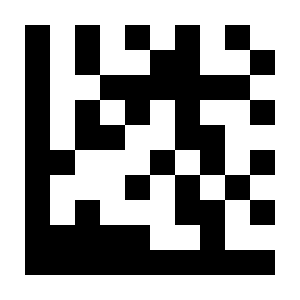
* Disable#
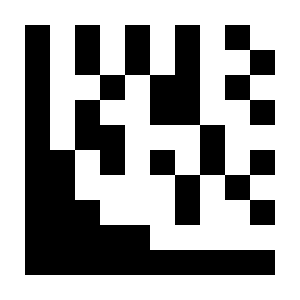
Enable#
Prefix#
Important
For this procedure, perform settings in the order: Start Setup -> Function Parameter Barcode -> End Setup.
Add output characters before barcode data. Up to 4 characters can be set.
Example: Add the character a before all barcode data
Scan “Start Setup”.
Scan the “Set Prefix for All Symbologies” Parameter Barcode.
Scan the
aParameter Barcode in ASCII Code Table.Scan “End Setup”.
Example: Remove the prefix
Scan “Start Setup”.
Scan the “Disable Prefix for All Symbologies” Parameter Barcode.
Scan “End Setup”.
Example: Add the characters &13 before EAN-13 barcode data
Scan “Start Setup”.
Scan the “Set EAN-13 Prefix” Parameter Barcode.
Scan the
&Parameter Barcode in ASCII Code Table.Scan the
1Parameter Barcode in ASCII Code Table.Scan the
3Parameter Barcode in ASCII Code Table.Scan “End Setup”.
Example: Remove the EAN-13 prefix
Scan “Start Setup”.
Scan the “Disable EAN-13 Prefix” Parameter Barcode.
Scan “End Setup”.
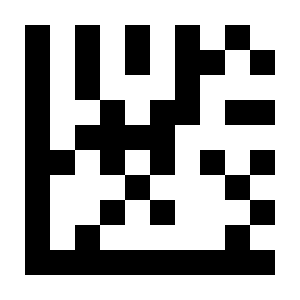
* Disable Prefix for All Symbologies#
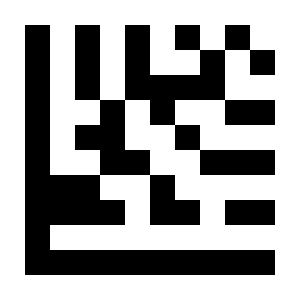
Set Prefix for All Symbologies#
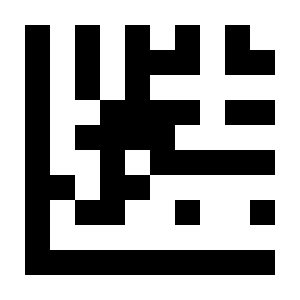
Set UPC-A Prefix#
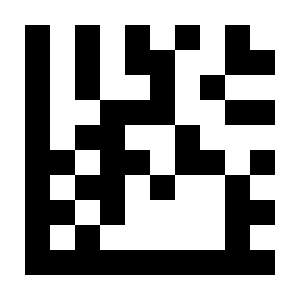
Disable UPC-A Prefix#
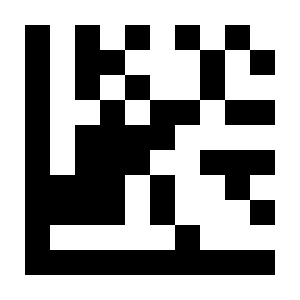
Set UPC-E Prefix#
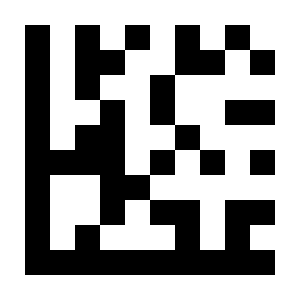
Disable UPC-E Prefix#
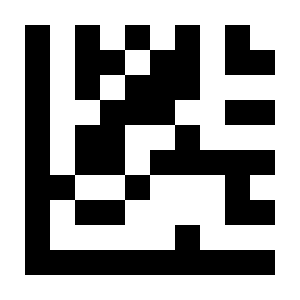
Set EAN-8 Prefix#
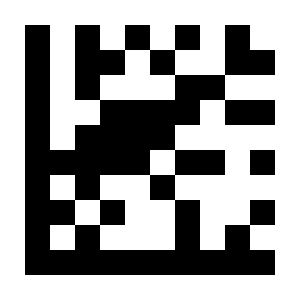
Disable EAN-8 Prefix#
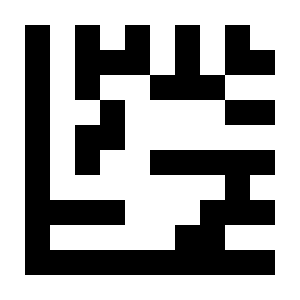
Set EAN-13 Prefix#
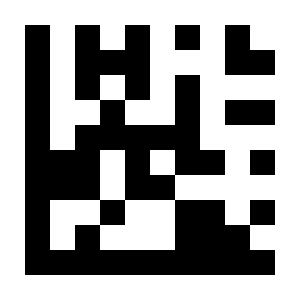
Disable EAN-13 Prefix#
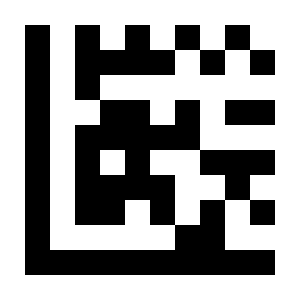
Set Code 128 Prefix#
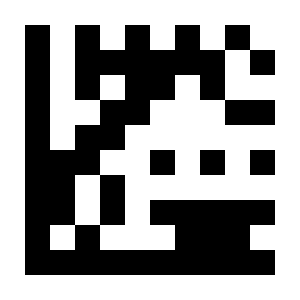
Disable Code 128 Prefix#
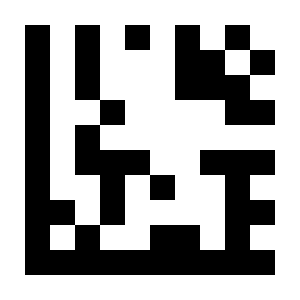
Set Code 39 Prefix#
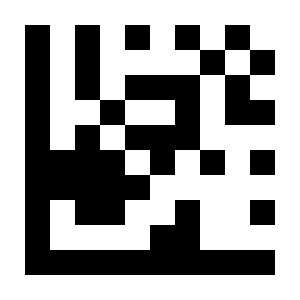
Disable Code 39 Prefix#
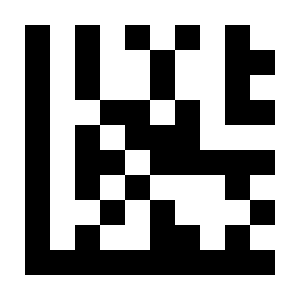
Set Code 93 Prefix#
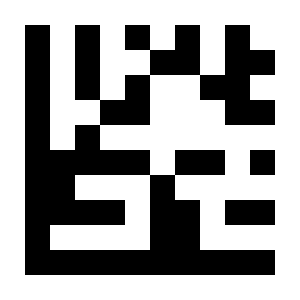
Disable Code 93 Prefix#
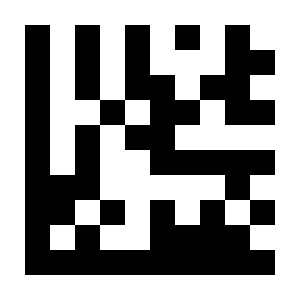
Set Code 32 Prefix#
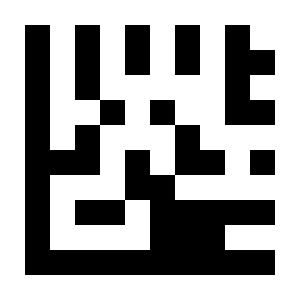
Disable Code 32 Prefix#
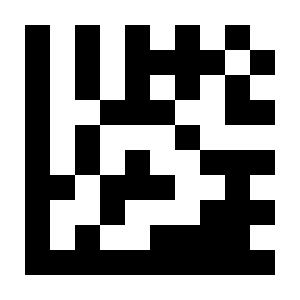
Set Code 11 Prefix#
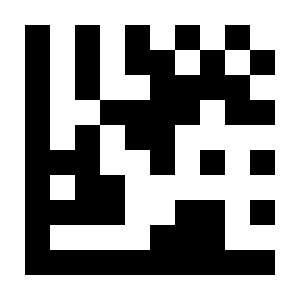
Disable Code 11 Prefix#
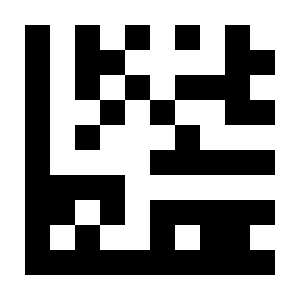
Set Codabar Prefix#
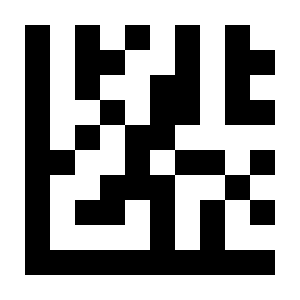
Disable Codabar Prefix#
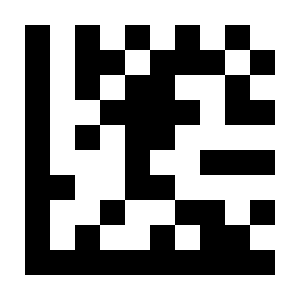
Set Plessey Prefix#
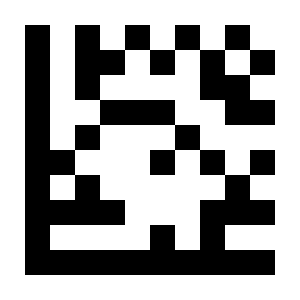
Disable Plessey Prefix#
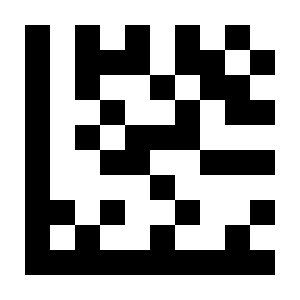
Set MSI Plessey Prefix#
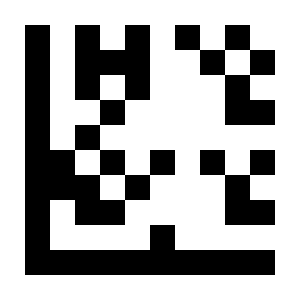
Disable MSI Plessey Prefix#
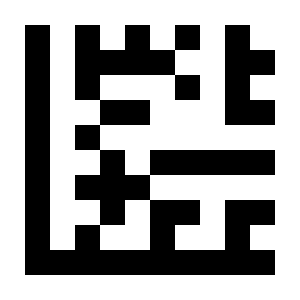
Set Interleaved 2 of 5 Prefix#
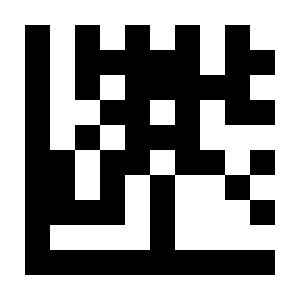
Disable Interleaved 2 of 5 Prefix#
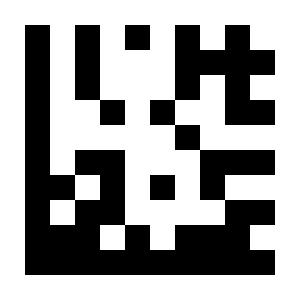
Set IATA 2 of 5 Prefix#
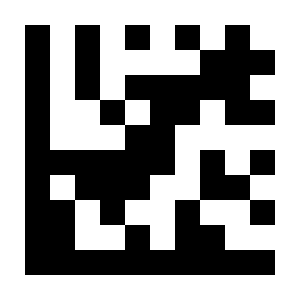
Disable IATA 2 of 5 Prefix#
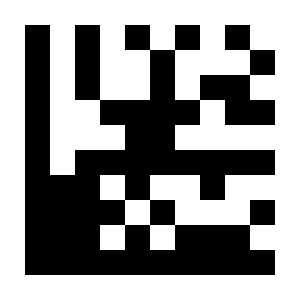
Set Matrix 2 of 5 Prefix#
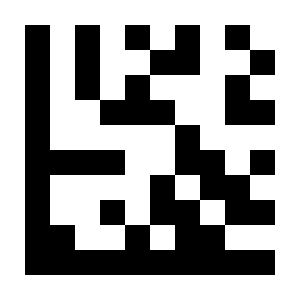
Disable Matrix 2 of 5 Prefix#
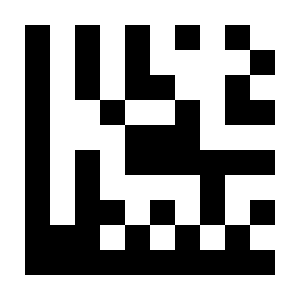
Set Straight 2 of 5 Prefix#
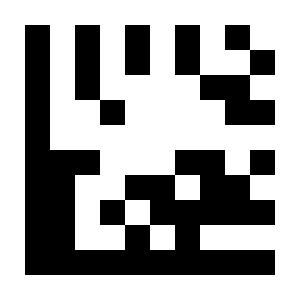
Disable Straight 2 of 5 Prefix#
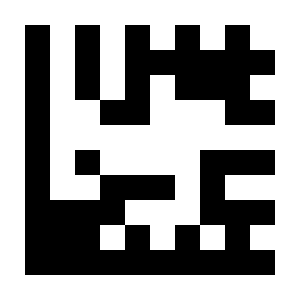
Set Pharmacode Prefix#
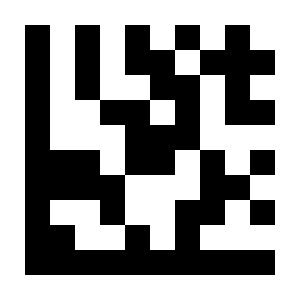
Disable Pharmacode Prefix#
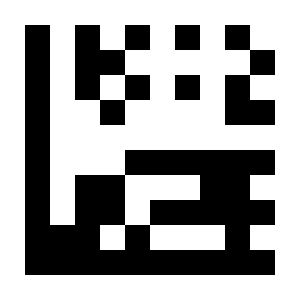
Set GS1 DataBar 14 Prefix#
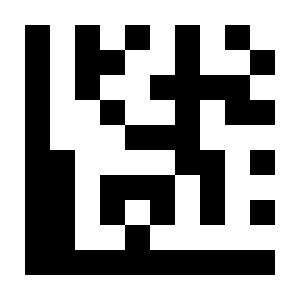
Disable GS1 DataBar 14 Prefix#
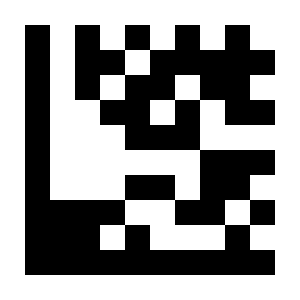
Set GS1 DataBar Expanded Prefix#
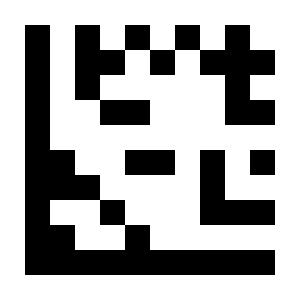
Disable GS1 DataBar Expanded Prefix#
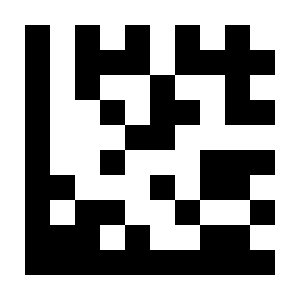
Set GS1 DataBar Limited Prefix#
Disable GS1 DataBar Limited Prefix#
Set Composite Code A Prefix#
Disable Composite Code A Prefix#
Set Composite Code B Prefix#
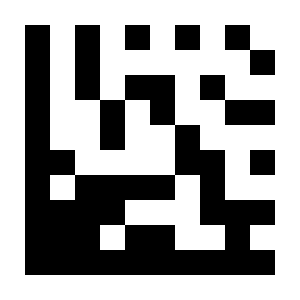
Disable Composite Code B Prefix#
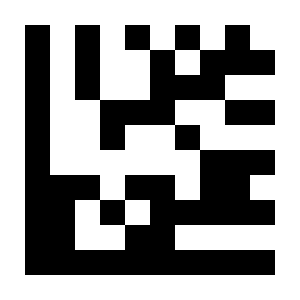
Set Composite Code C Prefix#
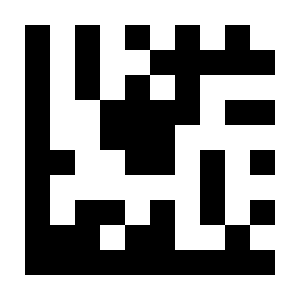
Disable Composite Code C Prefix#
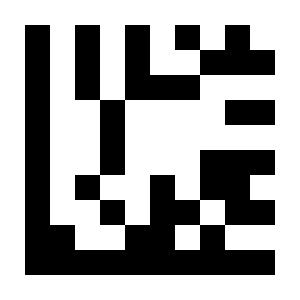
Set PDF417 Prefix#
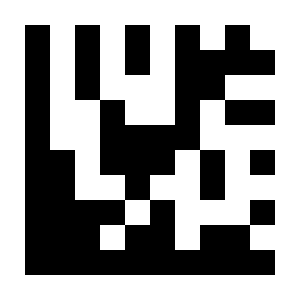
Disable PDF417 Prefix#
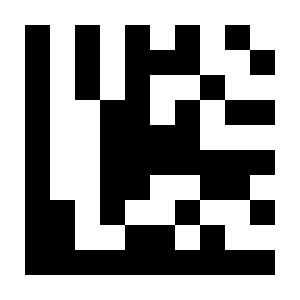
Set MicroPDF417 Prefix#
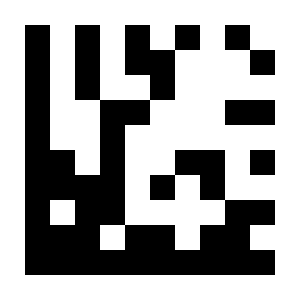
Disable MicroPDF417 Prefix#
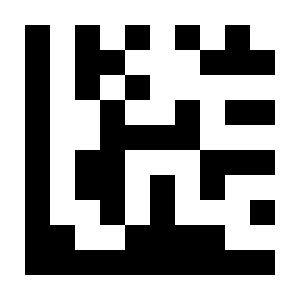
Set Data Matrix Prefix#
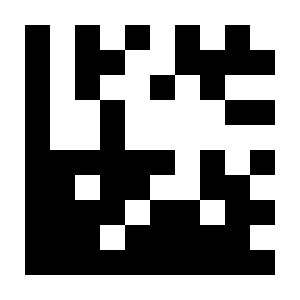
Disable Data Matrix Prefix#
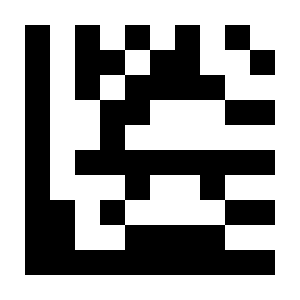
Set QR Code Prefix#
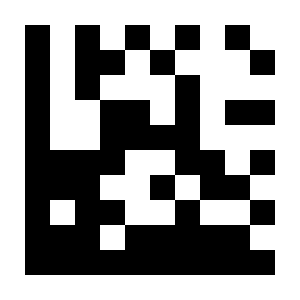
Disable QR Code Prefix#
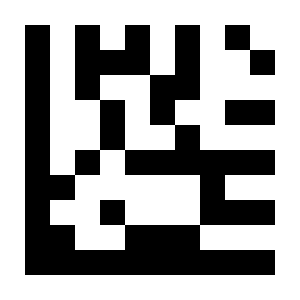
Set Micro QR Prefix#
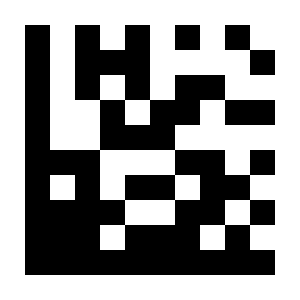
Disable Micro QR Prefix#
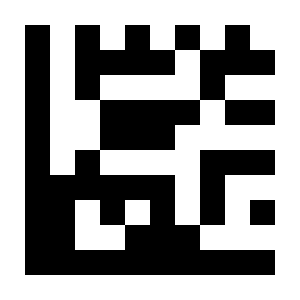
Set Aztec Prefix#
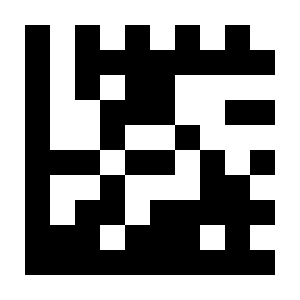
Disable Aztec Prefix#
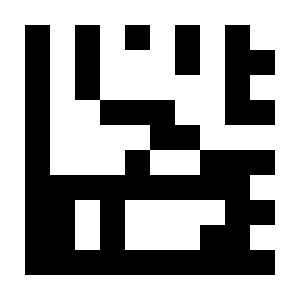
Set MaxiCode Prefix#
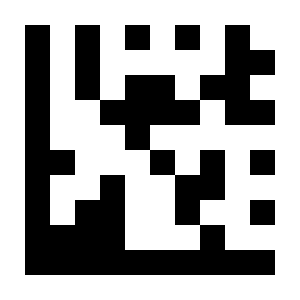
Disable MaxiCode Prefix#
Suffix#
Important
For this procedure, perform settings in the order: Start Setup -> Function Parameter Barcode -> End Setup.
Add output characters after barcode data. Up to 4 characters can be set.
Example: Add the character a after all barcode data
Scan “Start Setup”.
Scan the “Set Suffix for All Symbologies” Parameter Barcode.
Scan the
aParameter Barcode in ASCII Code Table.Scan “End Setup”.
Example: Remove the suffix
Scan “Start Setup”.
Scan the “Disable Suffix for All Symbologies” Parameter Barcode.
Scan “End Setup”.
Example: Add the characters &13 after EAN-13 barcode data
Scan “Start Setup”.
Scan the “Set EAN-13 Suffix” Parameter Barcode.
Scan the
&Parameter Barcode in ASCII Code Table.Scan the
1Parameter Barcode in ASCII Code Table.Scan the
3Parameter Barcode in ASCII Code Table.Scan “End Setup”.
Example: Remove the EAN-13 suffix
Scan “Start Setup”.
Scan the “Disable EAN-13 Suffix” Parameter Barcode.
Scan “End Setup”.
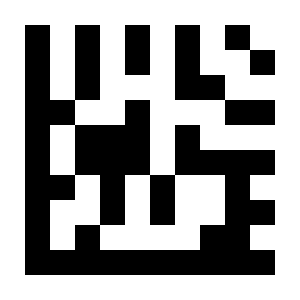
Set Suffix for All Symbologies#
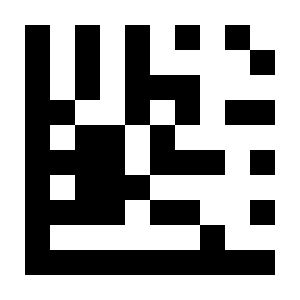
* Disable Suffix for All Symbologies#
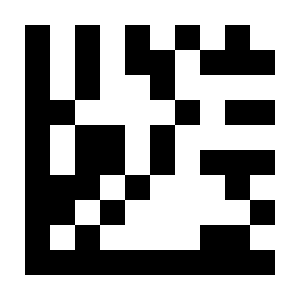
Set UPC-A Suffix#
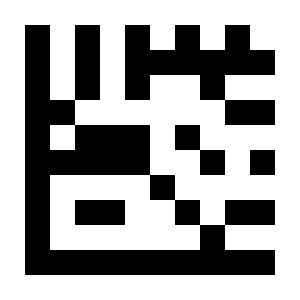
Disable UPC-A Suffix#
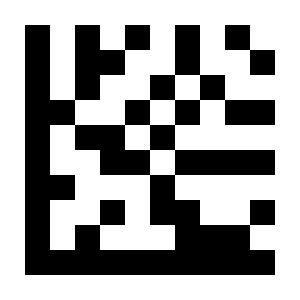
Set UPC-E Suffix#
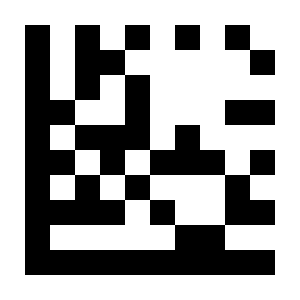
Disable UPC-E Suffix#
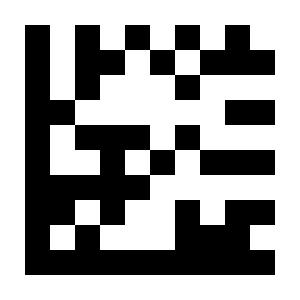
Set EAN-8 Suffix#
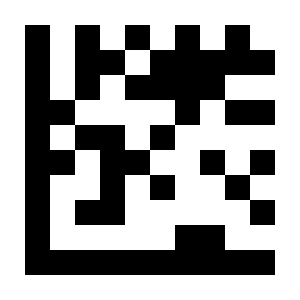
Disable EAN-8 Suffix#
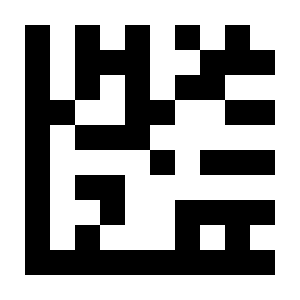
Set EAN-13 Suffix#
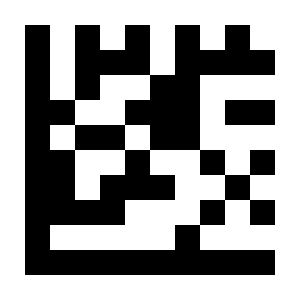
Disable EAN-13 Suffix#
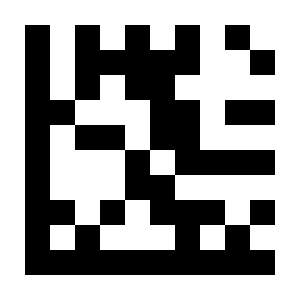
Set Code 128 Suffix#
Disable Code 128 Suffix#
Set Code 39 Suffix#
Disable Code 39 Suffix#
Set Code 93 Suffix#
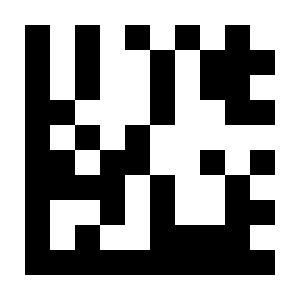
Disable Code 93 Suffix#
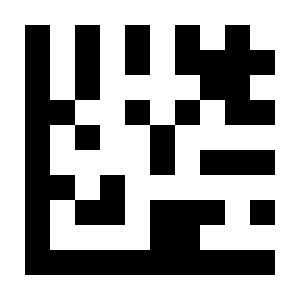
Set Code 32 Suffix#
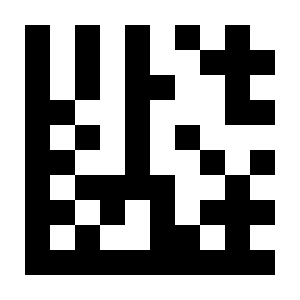
Disable Code 32 Suffix#
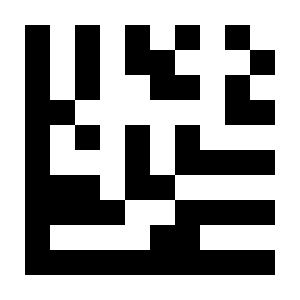
Set Code 11 Suffix#
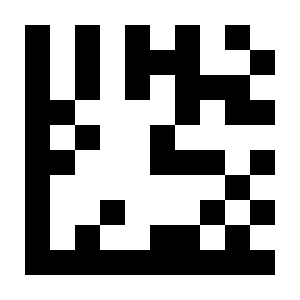
Disable Code 11 Suffix#
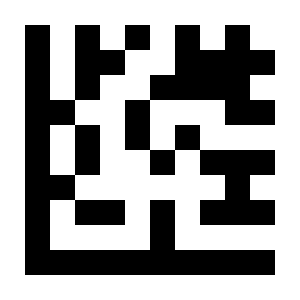
Set Codabar Suffix#
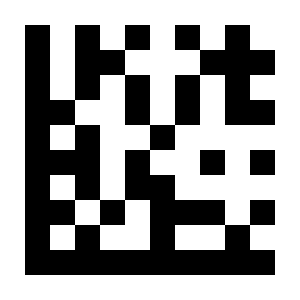
Disable Codabar Suffix#
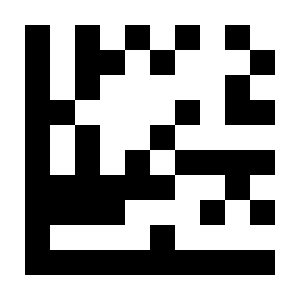
Set Plessey Suffix#
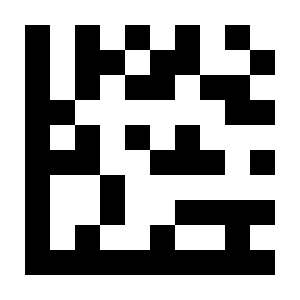
Disable Plessey Suffix#
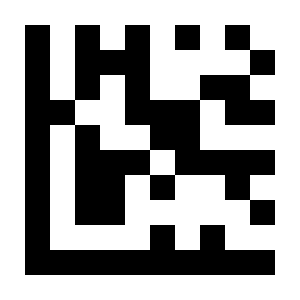
Set MSI Plessey Suffix#
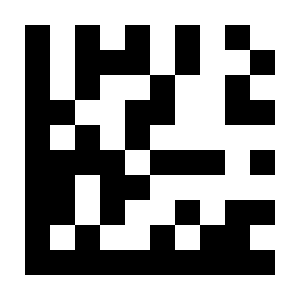
Disable MSI Plessey Suffix#
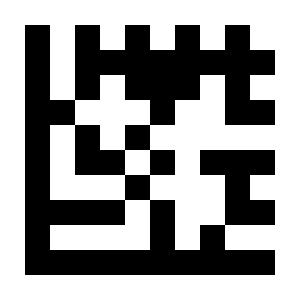
Set Interleaved 2 of 5 Suffix#
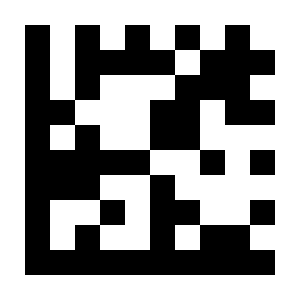
Disable Interleaved 2 of 5 Suffix#
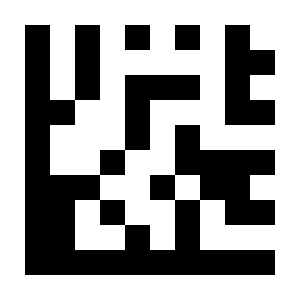
Set IATA 2 of 5 Suffix#
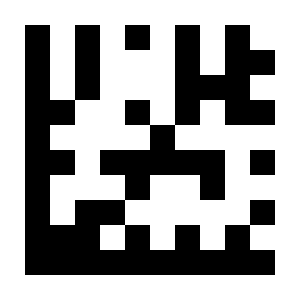
Disable IATA 2 of 5 Suffix#
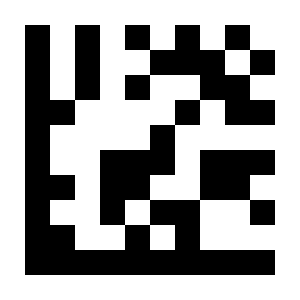
Set Matrix 2 of 5 Suffix#
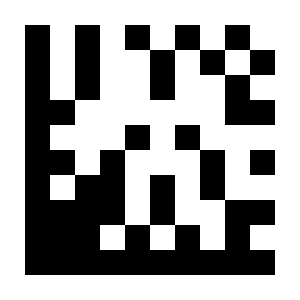
Disable Matrix 2 of 5 Suffix#
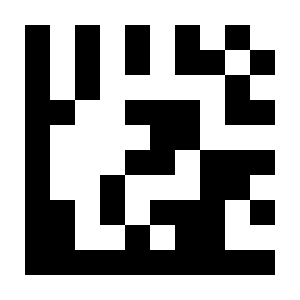
Set Straight 2 of 5 Suffix#
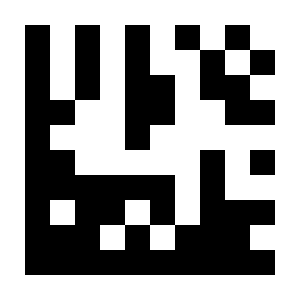
Disable Straight 2 of 5 Suffix#
Warning
The image labelled “Set Pharmacode Suffix” in the historical source actually decodes to KM15 (Slovak keyboard layout). To prevent incorrect configuration, this Parameter Barcode is not provided here. The intended command must be confirmed independently by the product or firmware owner.
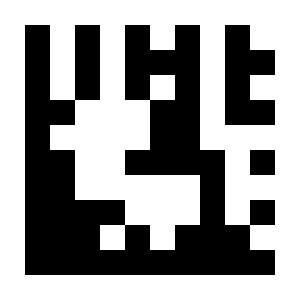
Disable Pharmacode Suffix#
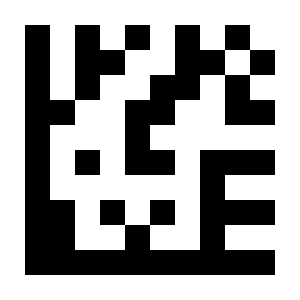
Set GS1 DataBar 14 Suffix#
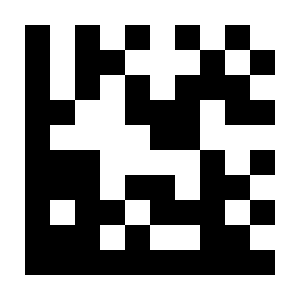
Disable GS1 DataBar 14 Suffix#
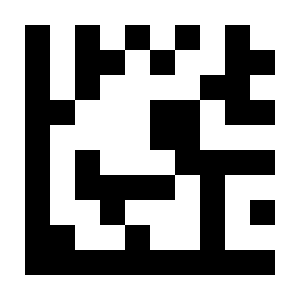
Set GS1 DataBar Expanded Suffix#
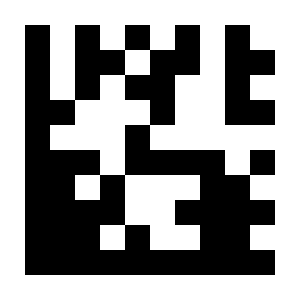
Disable GS1 DataBar Expanded Suffix#
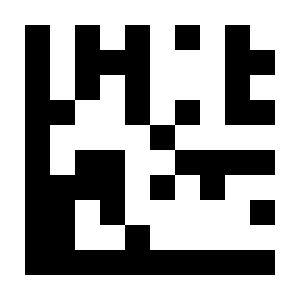
Set GS1 DataBar Limited Suffix#
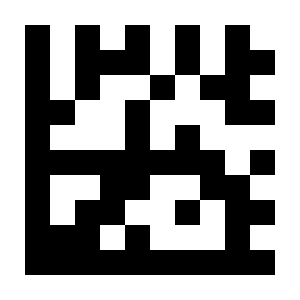
Disable GS1 DataBar Limited Suffix#
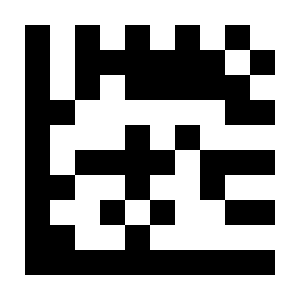
Set Composite Code A Suffix#
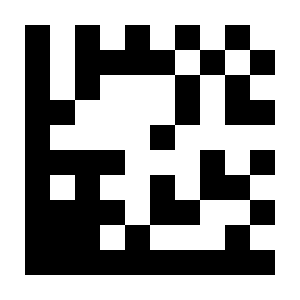
Disable Composite Code A Suffix#
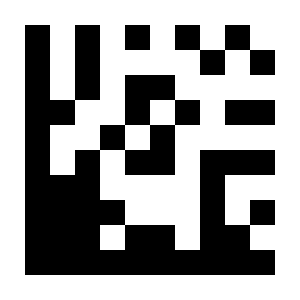
Set Composite Code B Suffix#
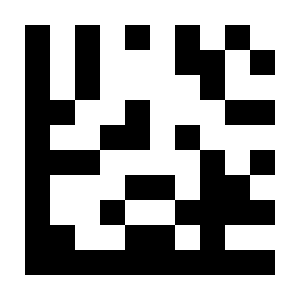
Disable Composite Code B Suffix#
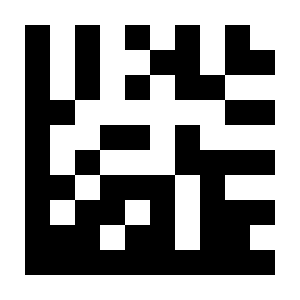
Set Composite Code C Suffix#
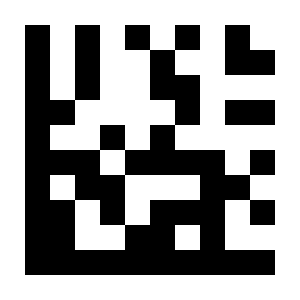
Disable Composite Code C Suffix#
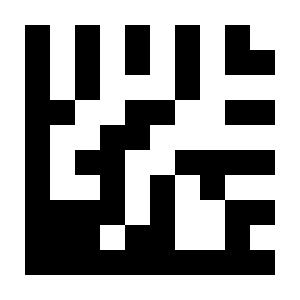
Set PDF417 Suffix#
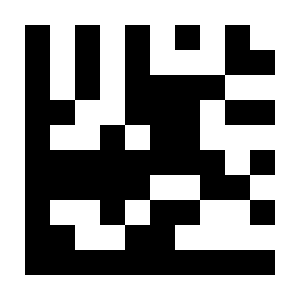
Disable PDF417 Suffix#
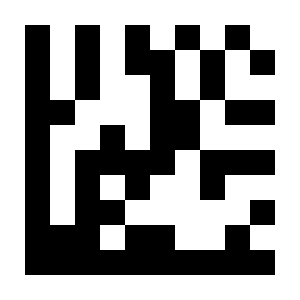
Set MicroPDF417 Suffix#
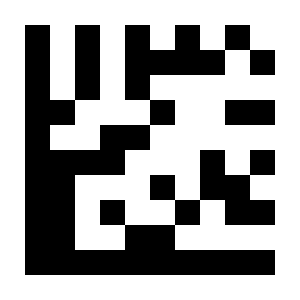
Disable MicroPDF417 Suffix#
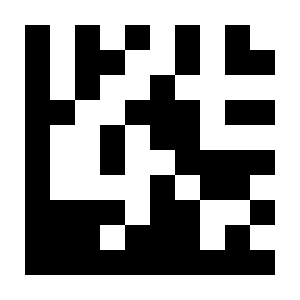
Set Data Matrix Suffix#
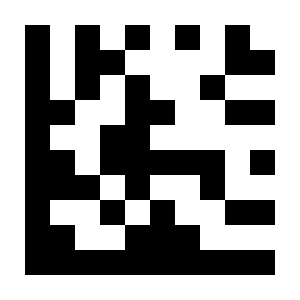
Disable Data Matrix Suffix#
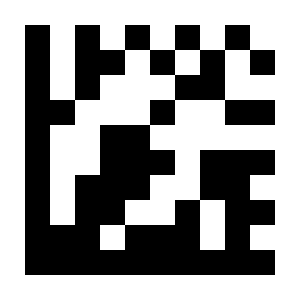
Set QR Code Suffix#
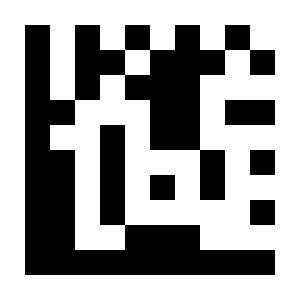
Disable QR Code Suffix#
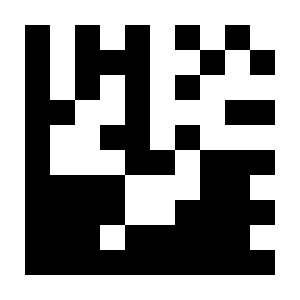
Set Micro QR Suffix#
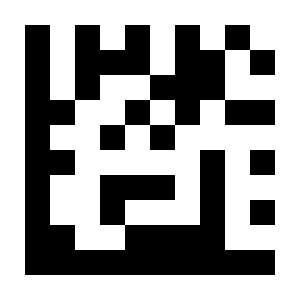
Disable Micro QR Suffix#
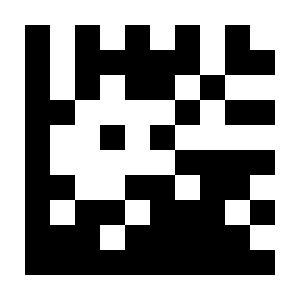
Set Aztec Suffix#
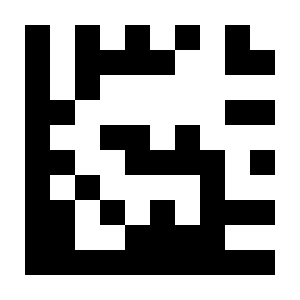
Disable Aztec Suffix#
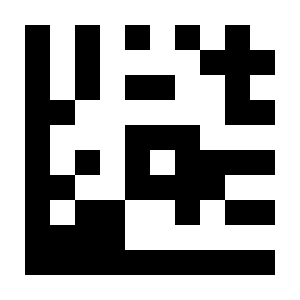
Set MaxiCode Suffix#
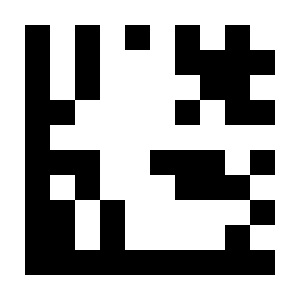
Disable MaxiCode Suffix#
Code ID#
Important
For this procedure, perform settings in the order: Start Setup -> Function Parameter Barcode -> End Setup.
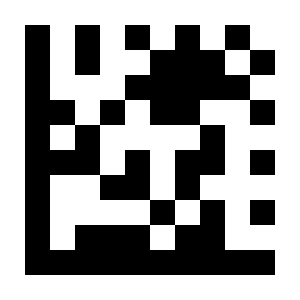
* Disable Code ID#
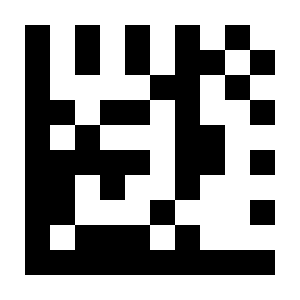
Enable AIM Code ID# |
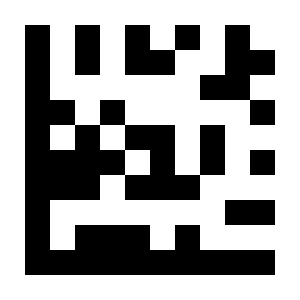
Enable NETUM Code ID# |
Code ID Table
Symbology |
NETUM |
AIM |
|---|---|---|
UPC-A |
A |
E |
UPC-E |
E |
E |
EAN-8 |
FF |
E |
EAN-13 |
F |
E |
Code 128 |
K |
C |
Code 39 |
M |
A |
Code 93 |
L |
G |
Code 32 |
M |
A |
Code 11 |
O |
H |
Codabar |
N |
F |
Plessey |
P |
P |
MSI / Plessey |
a |
M |
Interleaved 2 of 5 |
I |
I |
IATA 2 of 5 |
Z |
R |
Matrix 2 of 5 |
G |
X |
Straight 2 of 5 |
S |
S |
Pharmacode |
H |
X |
GS1 DataBar 14 |
RS |
e |
GS1 DataBar Expanded |
RX |
e |
GS1 DataBar Limited |
RL |
e |
Composite CC-A |
m |
e |
Composite CC-B |
n |
e |
Composite CC-C |
i |
e |
PDF417 |
r |
L |
MicroPDF417 |
s |
L |
Data Matrix |
t |
d |
QR Code |
u |
Q |
Micro QR |
j |
Q |
Aztec |
e |
Z |
MaxiCode |
v |
U |
Terminator#
Important
For this procedure, perform settings in the order: Start Setup -> Function Parameter Barcode -> End Setup.
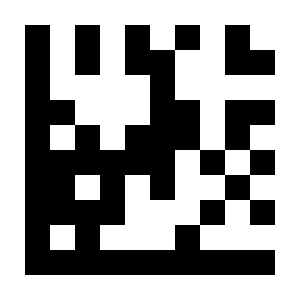
none#
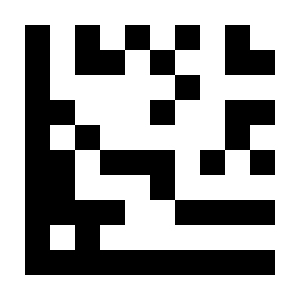
* Carriage Return / CR#
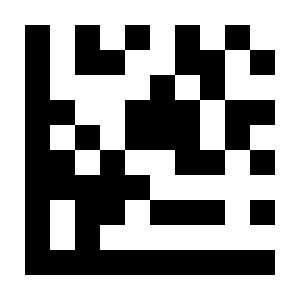
CR / LF#
TAB#