Barcode Settings#
Barcode Global Operations#
Global Switch#
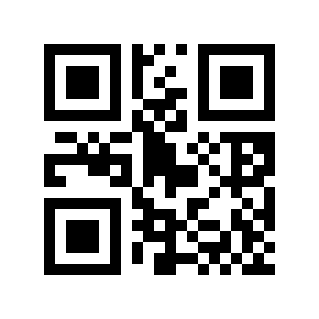
Disable# |
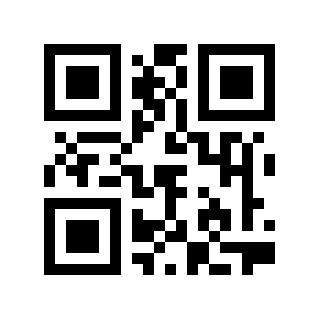
Enable# |
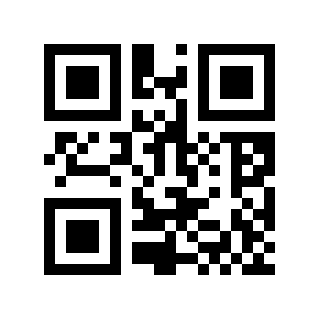
* Default# |
Global 1D Barcode Switch#
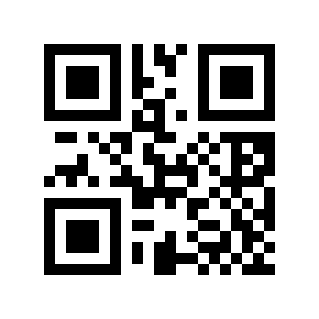
Disable# |
Enable# |
* Default# |
Global 2D Barcode Switch#
Disable# |
Enable# |
* Default# |
Barcode Security Level#
Five security levels are available to reduce decoding errors under difficult conditions. Higher levels improve reliability but may reduce decoding speed.
Level 0# |
* Level 1# |
Level 2# |
Level 3# |
Level 4# |
Multi-code Identification#
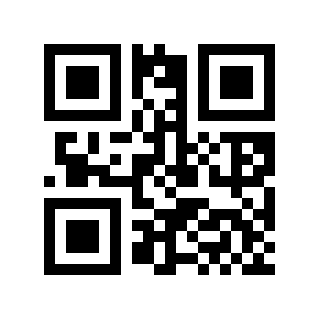
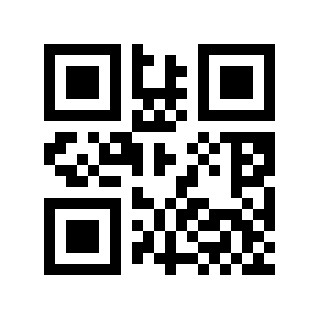
In special application scenarios, multiple barcodes need to be read at the same time. Scanning the following Parameter Barcode will enable/disable multi-code reading.
Must Read Multiple Codes#
* Disable# |
Enable# |
Read Multiple Codes#
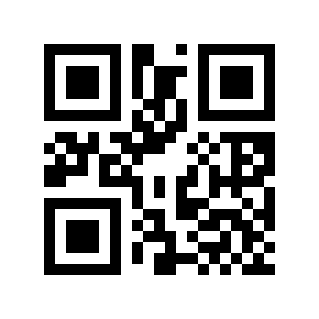
* 1# |
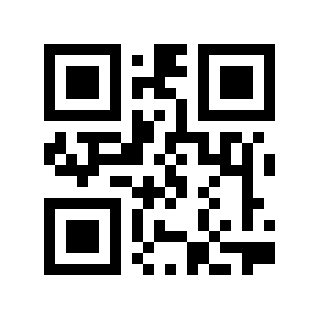
2# |
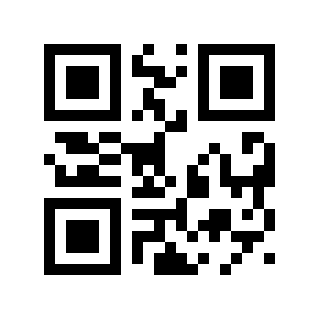
3# |
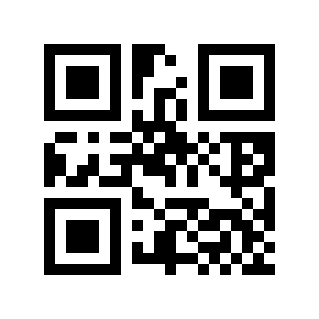
4# |
5# |
6# |
Global Inverse-reading Switch#
Scan the following Parameter Barcode to enable/disable inverse reading.
Note
Enabling inverse reading globally may significantly reduce Barcode Reader performance. For commonly used symbologies, enable inverse reading only for the required symbology.
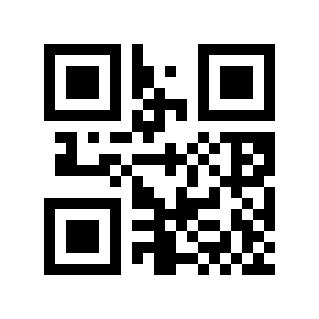
* Disable# |
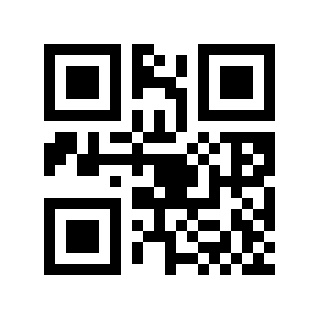
Enable# |
Local Inverse-reading Switch#
Code 128 inverse-reading switch#
Scan the following Parameter Barcode to enable/disable inverse reading of Code 128 barcodes. This setting is also valid for GS1-128
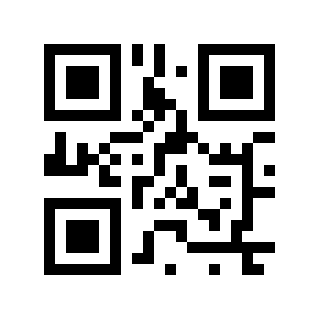
* Disable# |
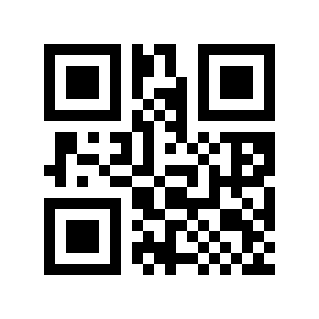
Enable# |
EAN/UPC Inverse-reading Switch#
Scan the following Parameter Barcode to enable/disable inverse reading of EAN/UPC barcodes.
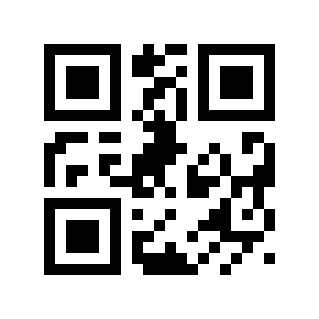
* Disable# |
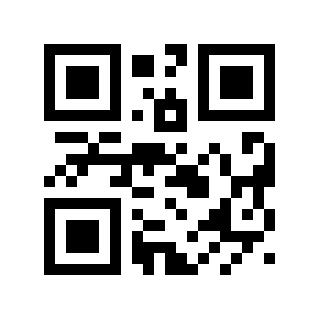
Enable# |
ITF25 inverse-reading switch#
Scan the following Parameter Barcode to enable/disable inverse reading of ITF25 barcodes.
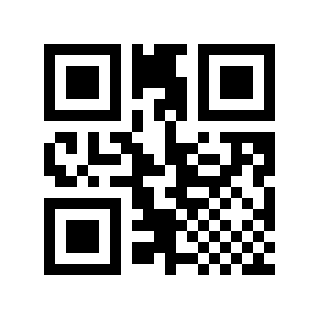
* Disable# |
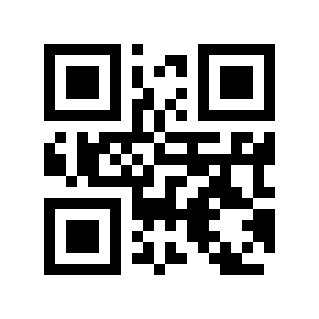
Enable# |
Code 39 inverse-reading switch#
Scan the following Parameter Barcode to enable/disable inverse reading of Code 39 barcodes.
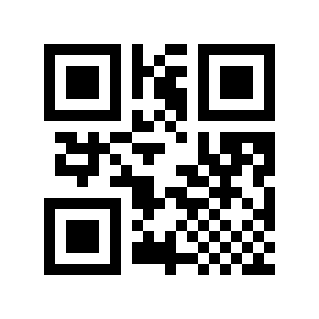
* Disable# |
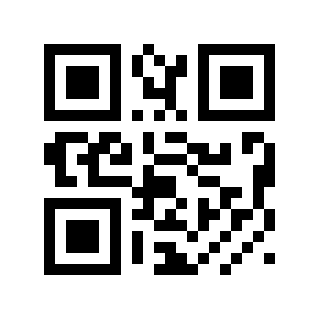
Enable# |
Codabar inverse-reading switch#
Scan the following Parameter Barcode to enable/disable inverse reading of Codabar barcodes.
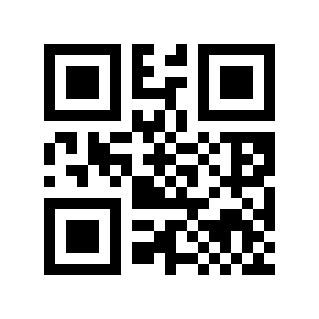
* Disable# |
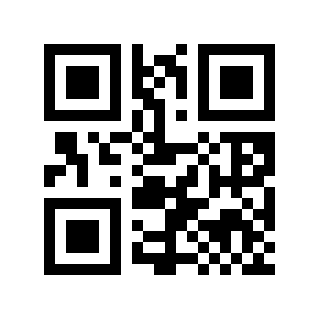
Enable# |
Code 93 inverse-reading switch#
Scan the following Parameter Barcode to enable/disable inverse reading of Code 93 barcodes.
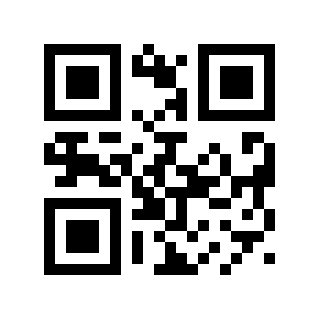
* Disable# |
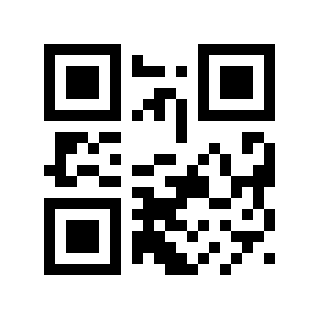
Enable# |
L Series - Symbology Enable/Disable Configuration#
Code 128#
Code 128 Switch#
Scan the following Parameter Barcode to enable/disable reading of Code 128 barcodes.
Disable# |
* Enable# |
Code 128 Minimum Length#
There are two methods for setting the minimum length of Code 128. Method 1 requires the user to generate a QR code and is more flexible when configuring multiple values. Method 2 uses the Parameter Barcodes in this manual; scan them in the specified sequence.
Code 128 minimum length Parameter Barcode content format: >!000012XX.
XXSet variable, decimal range
0-255.
Example
Code 128 minimum length is set to
2, then the Parameter Barcode content is:>!0000122.The minimum length of Code 128 is set to
12, then the Parameter Barcode content is:>!00001212.
Code 128 Maximum Length#
There are two methods for setting the maximum length of Code 128. Method 1 requires the user to generate a QR code and is more flexible when configuring multiple values. Method 2 uses the Parameter Barcodes in this manual; scan them in the specified sequence.
Code 128 Maximum length Parameter Barcode content format: >!000013XX.
XXSet variable, decimal range
0-255.
Example
The maximum length of Code 128 is set to
9, then the Parameter Barcode content is:>!0000139.The maximum length of Code 128 is set to
20, then the Parameter Barcode content is:>!00001320.
Code 128 Security Level#
The higher the barcode security level, the lower the error rate, and the code reading effect will also be affected to a certain extent.
* Low# |
Medium# |
High# |
UCC/EAN-128/GS1-128#
GS1 128 Switch#
Scan the following Parameter Barcode to enable/disable reading of the GS1 128 barcode.
Disable# |
* Enable# |
GS1 128 Minimum Length#
There are two methods for setting the minimum length of GS1 128. Method 1 requires the user to generate a QR code and is more flexible when configuring multiple values. Method 2 uses the Parameter Barcodes in this manual; scan them in the specified sequence.
GS1 128 minimum length Parameter Barcode content format: >!000022XX.
XXSet variable, decimal range
0-255.
Example
The minimum length of GS1 128 is set to
2, then the Parameter Barcode content is:>!0000222.The minimum length of GS1 128 is set to
12, then the Parameter Barcode content is:>!00002212.
GS1 128 Maximum Length#
There are two methods for setting the maximum length of GS1 128. Method 1 requires the user to generate a QR code and is more flexible when configuring multiple values. Method 2 uses the Parameter Barcodes in this manual; scan them in the specified sequence.
GS1 128 maximum length Parameter Barcode content format: >!000023XX.
XXSet variable, decimal range
0-255.
Example
The maximum length of GS1 128 is set to
9, then the Parameter Barcode content is:>!0000239.The maximum length of GS1 128 is set to
20, then the Parameter Barcode content is:>!00002320.
EAN-8#
EAN-8 Switch#
Scan the following Parameter Barcode to enable/disable EAN-8 barcode reading.
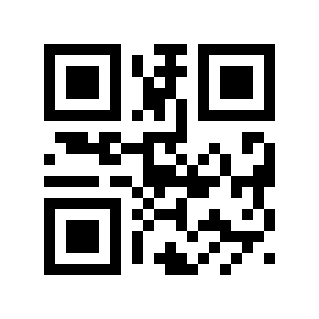
Disable# |
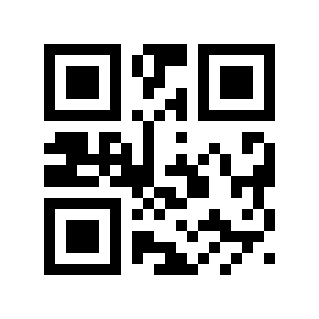
* Enable# |
EAN-8 Check Digit Transmission#
Scan the following Parameter Barcode to set whether EAN-8 transmits the check digit.
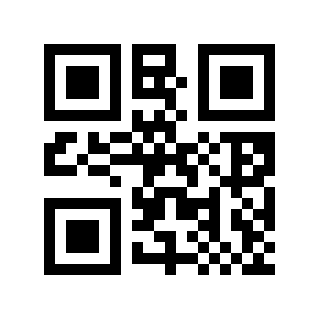
Disable# |
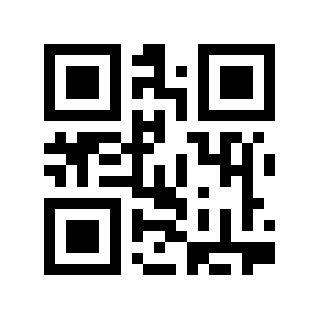
* Enable# |
EAN-8 Reads 2-digit Additional Code#
Scan the following Parameter Barcode to set whether EAN-8 can read the 2-digit additional code.
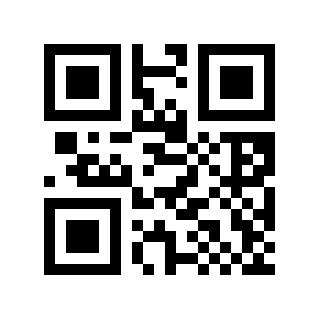
* Disable# |
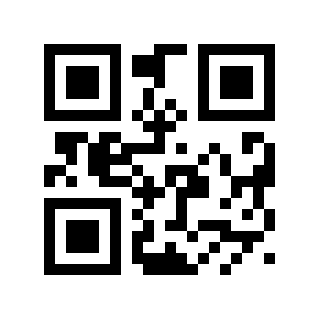
Enable# |
EAN-8 Reads 5-digit Additional Code#
Scan the following Parameter Barcode to set whether EAN-8 can read the 5-digit additional code.
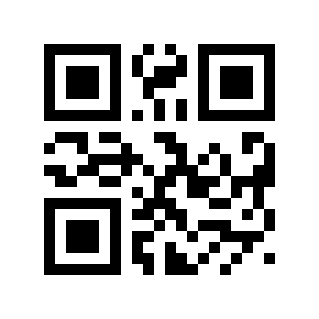
* Disable# |
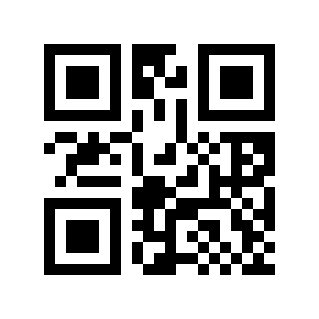
Enable# |
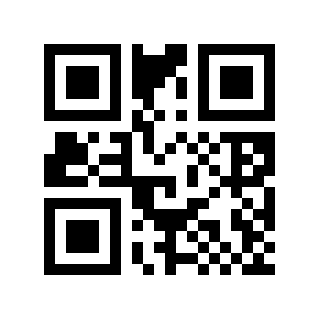
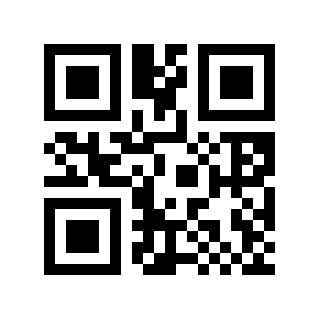
Read Only With Add-on Code EAN-8#
Scan the following Parameter Barcode to set whether to read only EAN-8 with additional code.
* Disable# |
Enable# |
EAN-13#
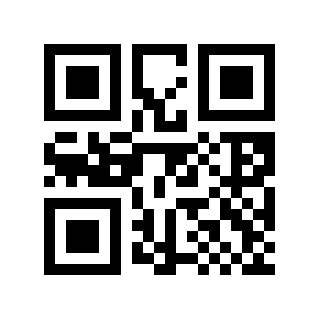
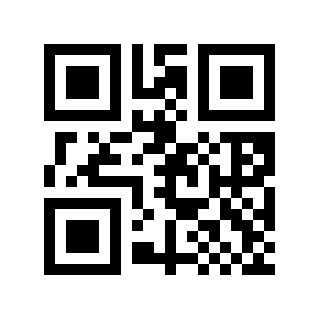
EAN-13 Switch#
Scan the following Parameter Barcode to enable/disable EAN-13 barcode reading.
Disable# |
* Enable# |
EAN-13 Check Digit Transmission#
Scan the following Parameter Barcode to set whether EAN-13 transmits check digits.
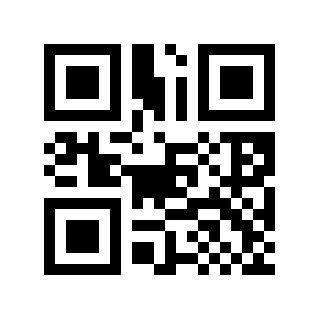
Disable# |
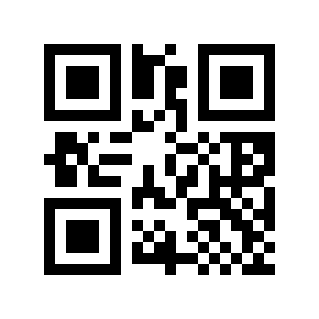
* Enable# |
EAN-13 Reads 2-digit Additional Code#
Scan the following Parameter Barcode to set whether EAN-13 can read the 2-digit additional code.
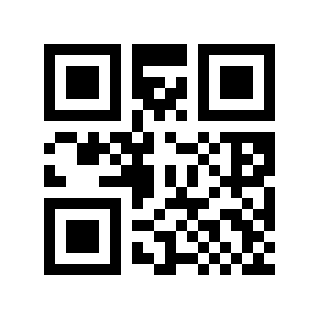
* Disable# |
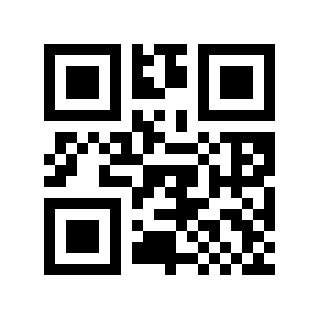
Enable# |
EAN-13 Reads 5-digit Additional Code#
Scan the following Parameter Barcode to set whether EAN-13 can read the 5-digit additional code.
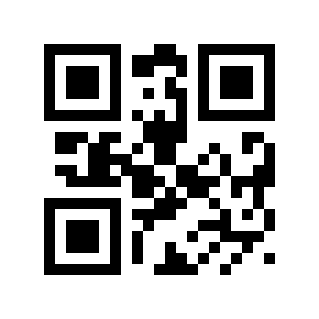
* Disable# |
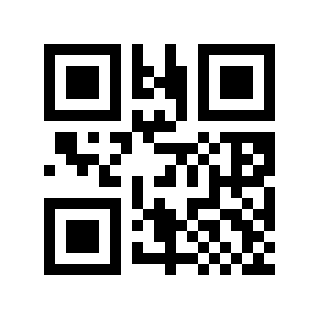
Enable# |
Read Only With Add-on Code EAN-13#
Scan the following Parameter Barcode to set whether to read only EAN-13 with additional code.
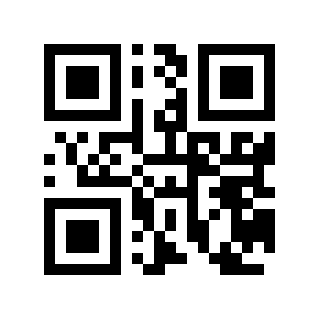
* Disable# |
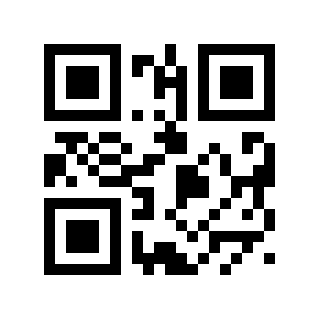
Enable# |
ISSN#
Scan the following Parameter Barcode to enable/disable ISSN barcode reading.
Note
Disable ISSN, ISSN will be treated as EAN-13
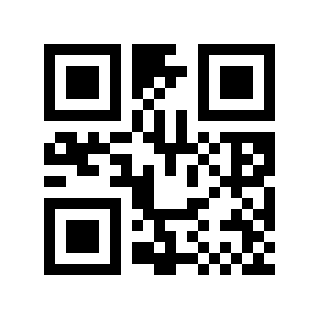
* Disable# |
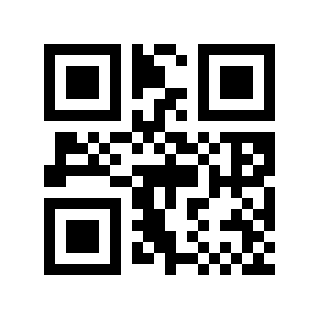
Enable# |
ISBN#
Scan the following Parameter Barcode to enable/disable ISBN barcode reading.
Note
Disable ISBN, ISBN will be treated as EAN-13
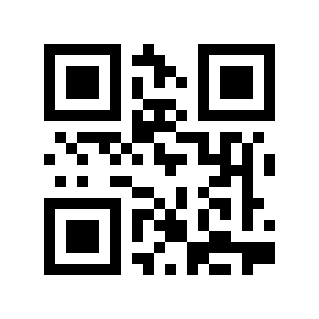
* Disable# |
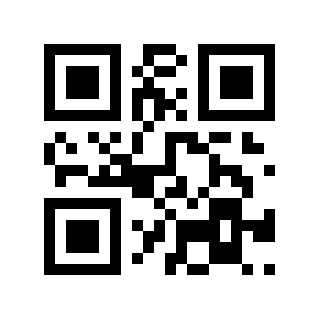
Enable# |
UPC-E#
UPC-E Switch#
Scan the following Parameter Barcode to enable/disable reading of UPC-E barcodes.
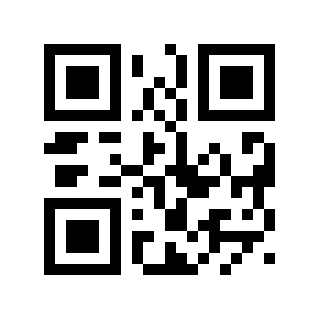
Disable# |
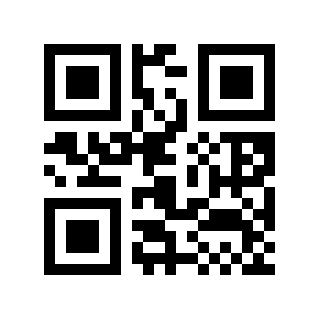
* Enable# |
UPC-E Check Digit Transmission#
Scan the following Parameter Barcode to set whether UPC-E transmits the check digit.
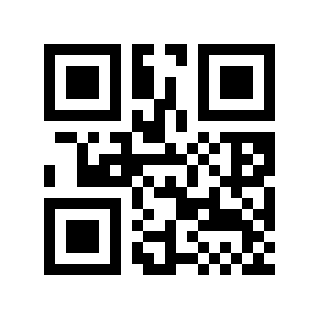
Disable# |
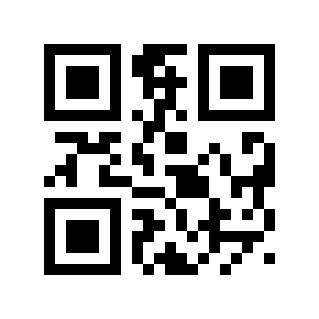
* Enable# |
UPC-E Reads 2-digit Additional Code#
Scan the following Parameter Barcode to set whether UPC-E can read the 2-digit additional code.
* Disable# |
Enable# |
UPC-E Reads 5-digit Additional Code#
Scan the following Parameter Barcode to set whether UPC-E can read the 5-digit additional code.
* Disable# |
Enable# |
Read Only With Add-on Code UPC-E#
Scan the following Parameter Barcode to set whether to read only UPC-E with additional code.
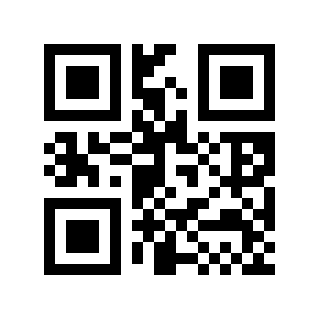
* Disable# |
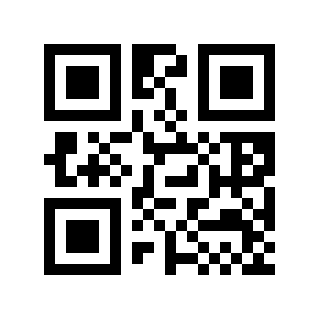
Enable# |
Transmission system character “0”#
Scan the following Parameter Barcode to set whether UPC-E transmits the system character “0”.
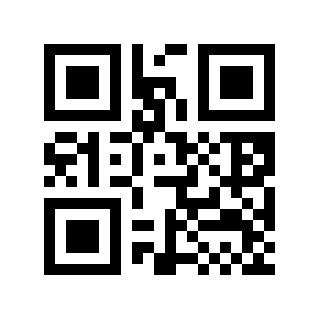
Disable# |
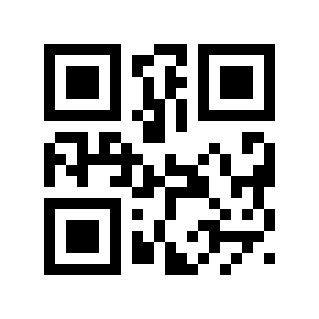
* Enable# |
UPC-E To UPC-A#
Scan the following Parameter Barcode to set whether to convert UPC-E to UPC-A.
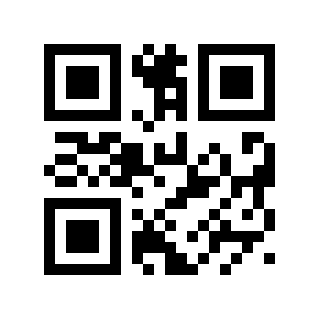
* Disable# |
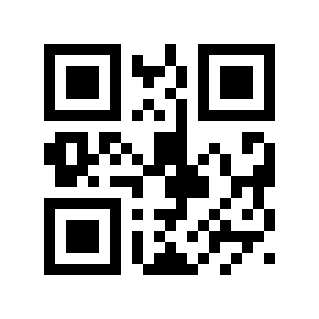
Enable# |
UPC-E1 Switch#
Scan the following Parameter Barcode to set whether to read UPC-E1.
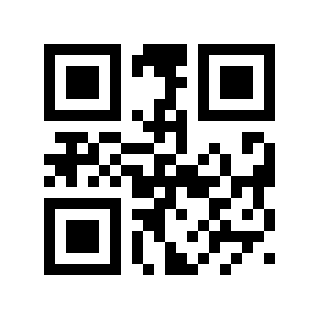
* Disable# |
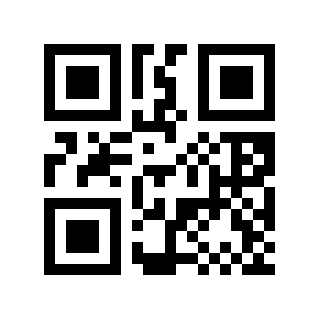
Enable# |
Transmit national character “0”#
Scan the following Parameter Barcode to set whether UPC-E transmits the national character “0”.
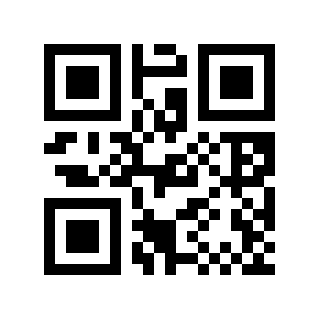
* Disable# |
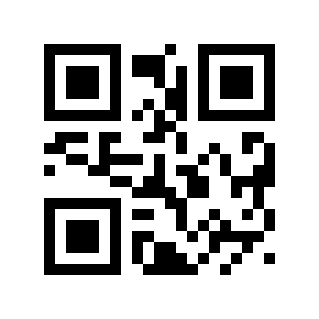
Enable# |
UPC-A#
UPC-A Switch#
Scan the following Parameter Barcode to enable/disable reading of UPC-A barcodes.
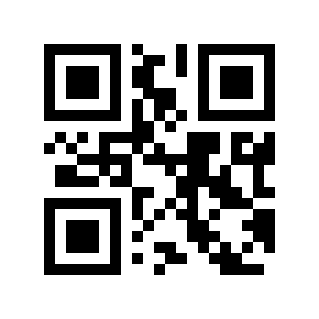
Disable# |
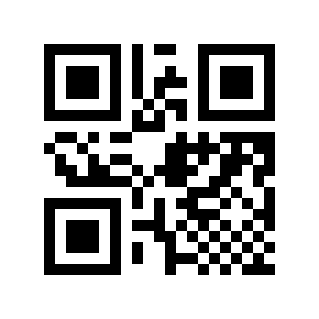
* Enable# |
UPC-A Check Digit Transmission#
Scan the following Parameter Barcode to set whether UPC-A transmits the check digit.
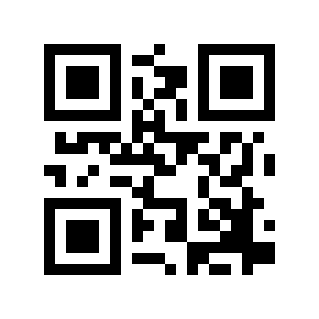
Disable# |
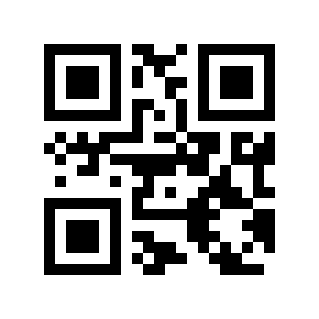
* Enable# |
UPC-A Reads 2-digit Additional Code#
Scan the following Parameter Barcode to set whether UPC-A can read the 2-digit additional code.
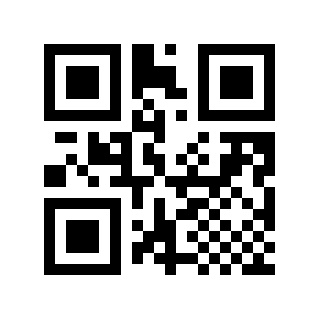
* Disable# |
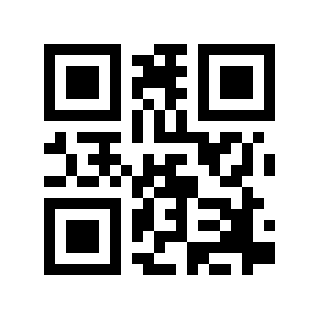
Enable# |
UPC-A Reads 5-digit Additional Code#
Scan the following Parameter Barcode to set whether UPC-A can read the 5-digit additional code.
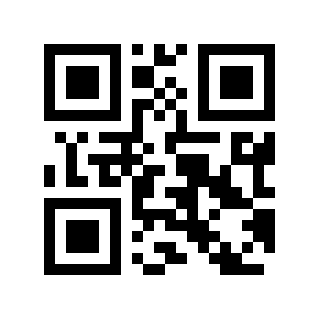
* Disable# |
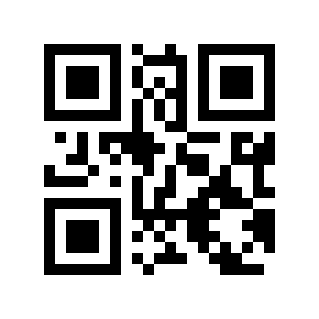
Enable# |
Read Only With Add-on Code UPC-A#
Scan the following Parameter Barcode to set whether to read only UPC-A with additional code.
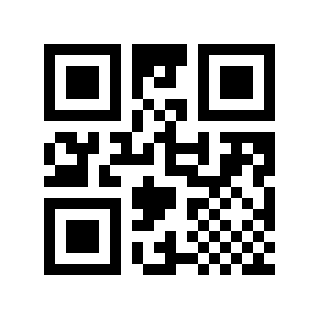
* Disable# |
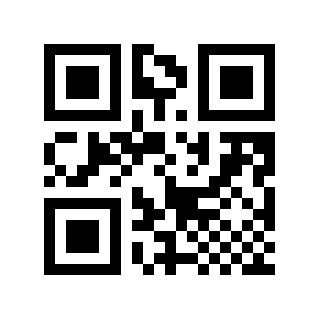
Enable# |
Transmission system character “0”#
Scan the following Parameter Barcode to set whether UPC-A transmits system characters.
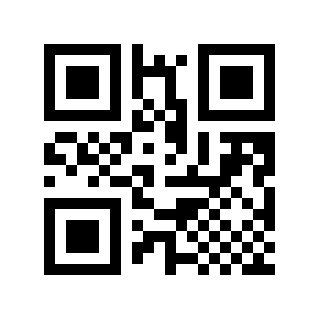
Disable# |
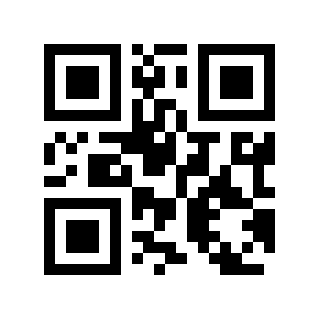
* Enable# |
Transmit national character “0”#
Scan the following Parameter Barcode to set whether UPC-E transmits the national character “0”. (Whether UPC-A will be converted to EAN-13 will be set)
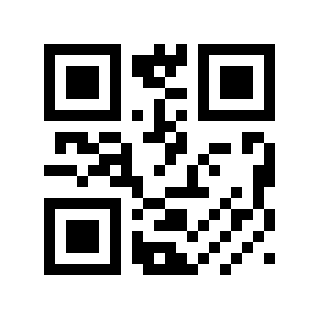
* Disable# |
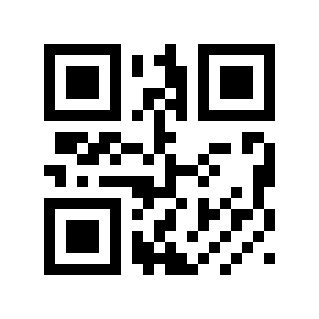
Enable# |
ITF25#
ITF25 Switch#
Scan the following Parameter Barcode to enable/disable reading of ITF25 barcodes.
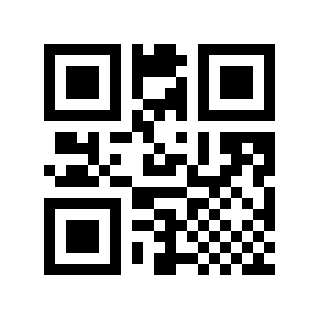
Disable# |
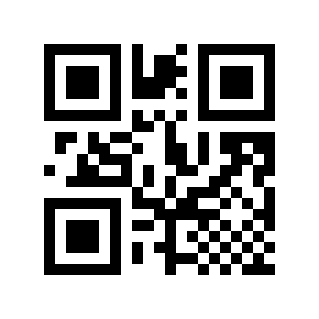
* Enable# |
ITF25 Check Digit Verification#
Scan the following Parameter Barcode to set whether the ITF25 check digit is verified.
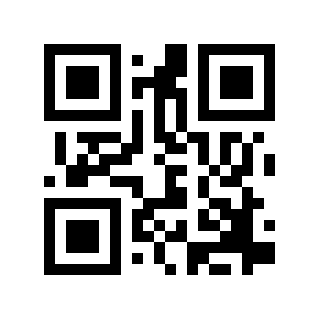
* Disable# |
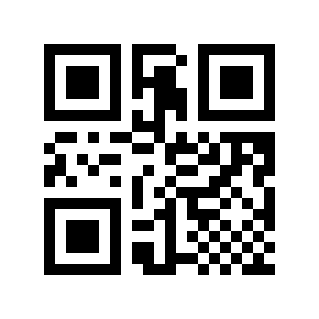
Enable# |
ITF25 Check Digit Transmission#
Scan the following Parameter Barcode to set whether the ITF25 check digit is transmitted.
Note
To enable transmission check digit, please enable the check digit verification function first.
* Disable# |
Enable# |
ITF25 Minimum Length#
There are two methods for setting the minimum length of ITF25. Method 1 requires the user to generate a QR code and is more flexible when configuring multiple values. Method 2 uses the Parameter Barcodes in this manual; scan them in the specified sequence.
ITF25 minimum length Parameter Barcode content format: >!0000B3XX.
XXSet variable, decimal range
0-255.
Example
The minimum length of ITF25 is set to
2, then the Parameter Barcode content is:>!0000B32.The minimum length of ITF25 is set to
12, then the Parameter Barcode content is:>!0000B312.
ITF25 Maximum Length#
There are two methods for setting the maximum length of ITF25. Method 1 requires the user to generate a QR code and is more flexible when configuring multiple values. Method 2 uses the Parameter Barcodes in this manual; scan them in the specified sequence.
ITF25 maximum length Parameter Barcode content format: >!0000B4XX.
XXSet variable, decimal range
0-255.
Example
The maximum length of ITF25 is set to
9, then the Parameter Barcode content is:>!0000B49.The maximum length of ITF25 is set to
20, then the Parameter Barcode content is:>!0000B420.
Brazilian Government/Bank Code#
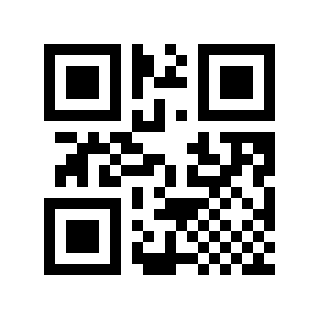
* Disable# |
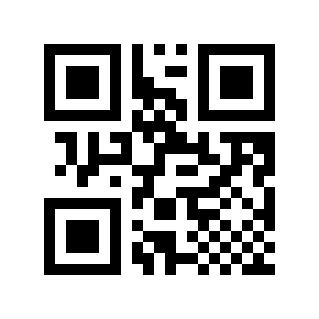
Enable# |
NEC25/COOP25#
NEC25 Switch#
Scan the following Parameter Barcode to enable/disable NEC25 barcode reading.
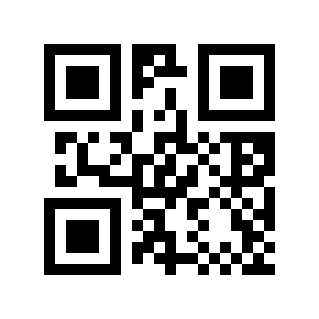
* Disable# |
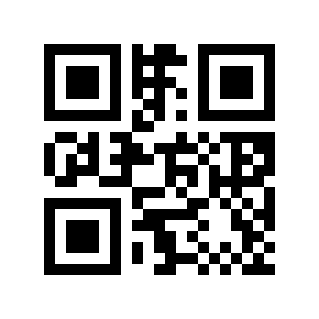
Enable# |
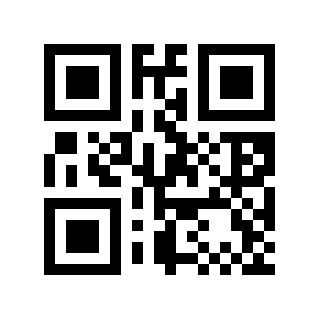
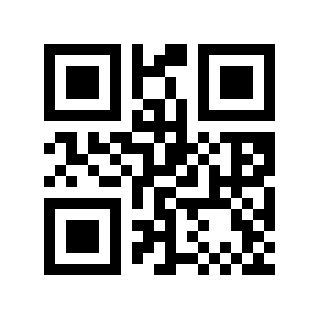
NEC25 Check Digit Verification#
Scan the following Parameter Barcode to set whether the NEC25 check digit is verified.
* Disable# |
Enable# |
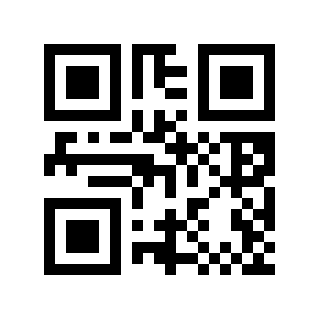
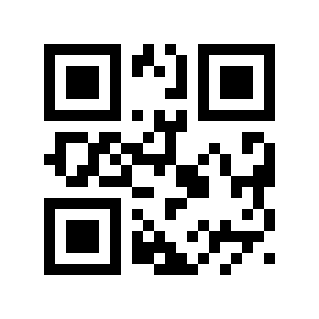
NEC25 Check Digit Transmission#
Scan the following Parameter Barcode to set whether the NEC25 check digit is transmitted.
Note
To enable transmission check digit, please enable the check digit verification function first.
* Disable# |
Enable# |
NEC25 Minimum Length#
There are two methods for setting the minimum length of NEC25. Method 1 requires the user to generate a QR code and is more flexible when configuring multiple values. Method 2 uses the Parameter Barcodes in this manual; scan them in the specified sequence.
NEC25 minimum length Parameter Barcode content format: >!000103XX.
XXSet variable, decimal range
0-255.
Example
The minimum length of NEC25 is set to
2, then the Parameter Barcode content is:>!0001032.The minimum length of NEC25 is set to
12, then the Parameter Barcode content is:>!00010312.
NEC25 Maximum Length#
There are two methods for setting the maximum length of NEC25. Method 1 requires the user to generate a QR code and is more flexible when configuring multiple values. Method 2 uses the Parameter Barcodes in this manual; scan them in the specified sequence.
NEC25 maximum length Parameter Barcode content format: >!000104XX.
XXSet variable, decimal range
0-255.
Example
The maximum length of NEC25 is set to
9, then the Parameter Barcode content is:>!0001049.The maximum length of NEC25 is set to
20, then the Parameter Barcode content is:>!00010420.
MATRIX25#
MATRIX25 Switch#
Scan the following Parameter Barcode to enable/disable MATRIX25 barcode reading.
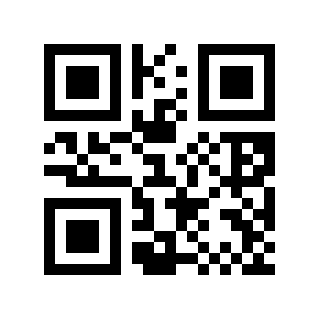
* Disable# |
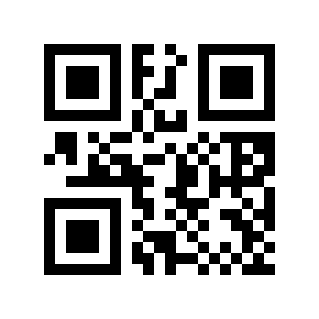
Enable# |
MATRIX25 Check Digit Verification#
Scan the following Parameter Barcode to set whether the MATRIX25 check digit is verified.
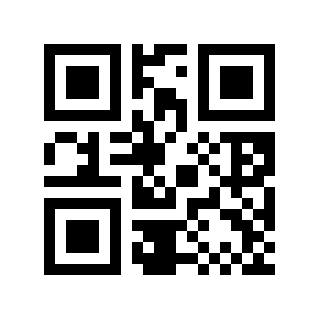
* Disable# |
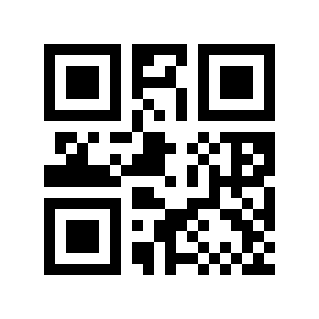
Enable# |
MATRIX25 Check Digit Transmission#
Scan the following Parameter Barcode to set whether the MATRIX25 check digit is transmitted.
Note
To enable transmission check digit, please enable the check digit verification function first.
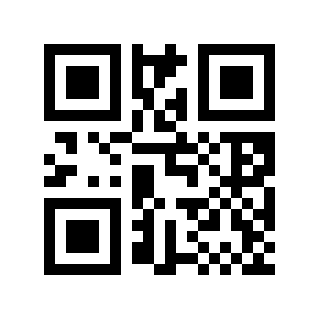
* Disable# |
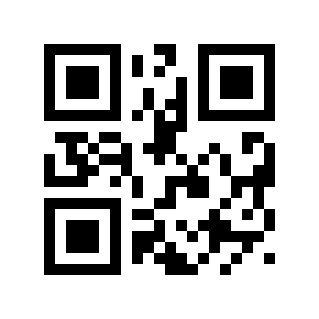
Enable# |
MATRIX25 Minimum Length#
There are two methods for setting the minimum length of MATRIX25. Method 1 requires the user to generate a QR code and is more flexible when configuring multiple values. Method 2 uses the Parameter Barcodes in this manual; scan them in the specified sequence.
MATRIX25 minimum length Parameter Barcode content format: >!000113XX.
XXSet variable, decimal range
0-255.
Example
The minimum length of MATRIX25 is set to
2, then the Parameter Barcode content is:>!0001132.The minimum length of MATRIX25 is set to
12, then the Parameter Barcode content is:>!00011312.
MATRIX25 Maximum Length#
There are two methods for setting the maximum length of MATRIX25. Method 1 requires the user to generate a QR code and is more flexible when configuring multiple values. Method 2 uses the Parameter Barcodes in this manual; scan them in the specified sequence.
MATRIX25 maximum length Parameter Barcode content format: >!000114XX.
XXSet variable, decimal range
0-255.
Example
The maximum length of MATRIX25 is set to
9, then the Parameter Barcode content is:>!0001149.The maximum length of MATRIX25 is set to
20, then the Parameter Barcode content is:>!00011420.
IND25#
IND25 Switch#
Scan the following Parameter Barcode to enable/disable reading of IND25 barcodes.
* Disable# |
Enable# |
IND25 Minimum Length#
There are two methods for setting the minimum length of IND25. Method 1 requires the user to generate a QR code and is more flexible when configuring multiple values. Method 2 uses the Parameter Barcodes in this manual; scan them in the specified sequence.
IND25 minimum length Parameter Barcode content format: >!000123XX.
XXSet variable, decimal range
0-255.
Example
The minimum length of IND25 is set to
2, then the Parameter Barcode content is:>!0001232.The minimum length of IND25 is set to
12, then the Parameter Barcode content is:>!00012312.
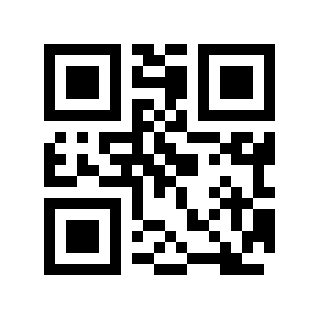
IND25 Maximum Length#
There are two methods for setting the maximum length of IND25. Method 1 requires the user to generate a QR code and is more flexible when configuring multiple values. Method 2 uses the Parameter Barcodes in this manual; scan them in the specified sequence.
IND25 maximum length Parameter Barcode content format: >!000124XX.
XXSet variable, decimal range
0-255.
Example
The maximum length of IND25 is set to
9, then the Parameter Barcode content is:>!0001249.The maximum length of IND25 is set to
20, then the Parameter Barcode content is:>!00012420.
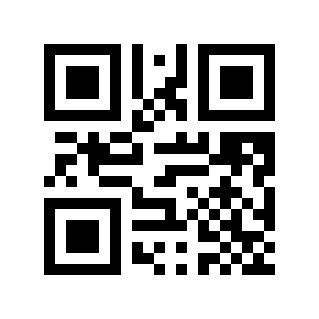
STD25#
STD25 Switch#
Scan the following Parameter Barcode to enable/disable STD25 barcode reading.
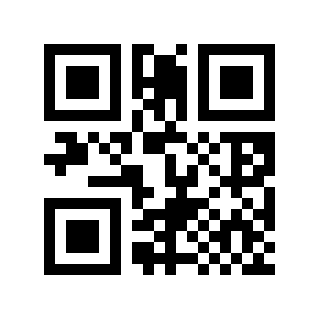
* Disable# |
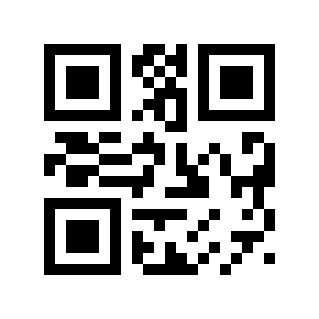
Enable# |
STD25 Minimum Length#
There are two methods for setting the minimum length of STD25. Method 1 requires the user to generate a QR code and is more flexible when configuring multiple values. Method 2 uses the Parameter Barcodes in this manual; scan them in the specified sequence.
STD25 minimum length Parameter Barcode content format: >!000133XX.
XXSet variable, decimal range
0-255.
Example
The minimum length of STD25 is set to
2, then the Parameter Barcode content is:>!0001332.The minimum length of STD25 is set to
12, then the Parameter Barcode content is:>!00013312.
STD25 Maximum Length#
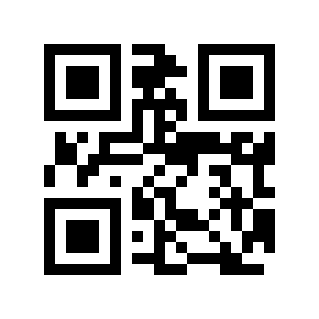
There are two methods for setting the maximum length of STD25. Method 1 requires the user to generate a QR code and is more flexible when configuring multiple values. Method 2 uses the Parameter Barcodes in this manual; scan them in the specified sequence.
STD25 maximum length Parameter Barcode content format: >!000134XX.
XXSet variable, decimal range
0-255.
Example
The maximum length of STD25 is set to
9, then the Parameter Barcode content is:>!0001349.The maximum length of STD25 is set to
20, then the Parameter Barcode content is:>!00013420.
Code 39#
Code 39 Switch#
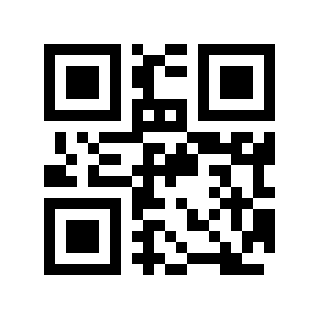
Scan the following Parameter Barcode to enable/disable reading of Code 39 barcodes.
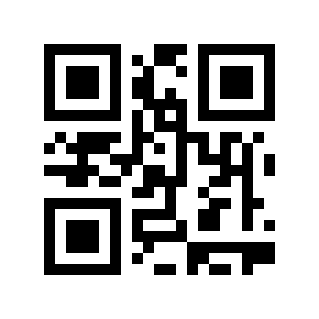
Disable# |
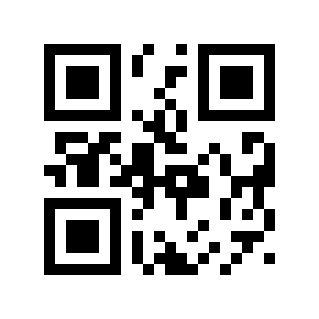
* Enable# |
Code 39 check digit verification#
Scan the following Parameter Barcode to set whether the Code 39 check digit is verified.
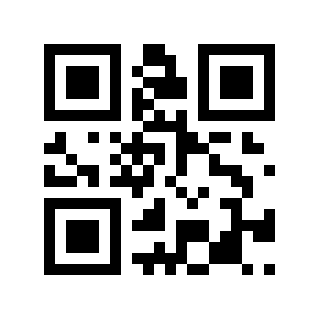
* Disable# |
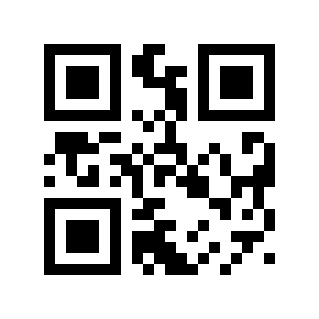
Enable# |
Code 39 Check Digit Transmission#
Scan the following Parameter Barcode to set whether the Code 39 check digit is transmitted.
Note
To enable transmission check digit, please enable the check digit verification function first.
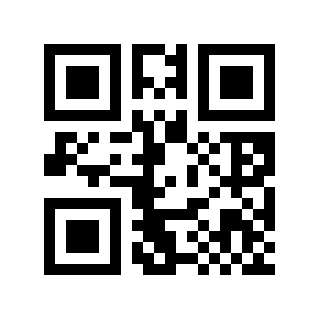
* Disable# |
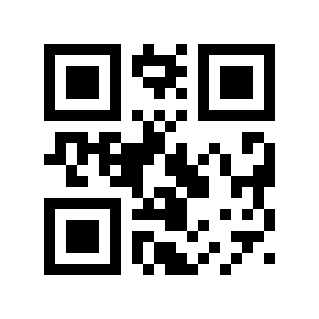
Enable# |
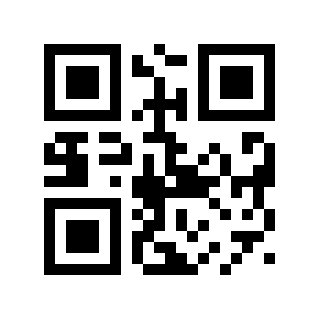
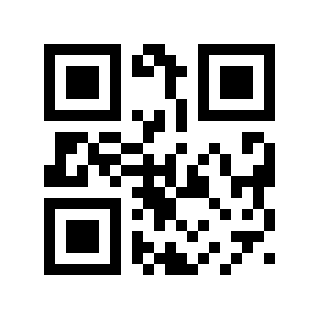
Code 39 Start/Stop Character Transmission#
Scan the following Parameter Barcode to set whether the Code 39 start/stop character is transmitted.
* Disable# |
Enable# |
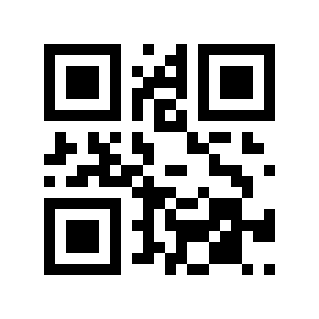
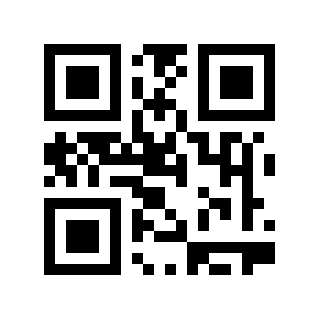
Code 39 FULL ASCII Switch#
Scan the following Parameter Barcode to enable/disable reading of Code 39 FULL ASCII barcodes.
* Disable# |
Enable# |
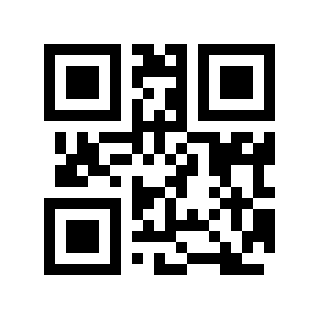
Code 39 Minimum Length#
There are two methods for setting the minimum length of Code 39. Method 1 requires the user to generate a QR code and is more flexible when configuring multiple values. Method 2 uses the Parameter Barcodes in this manual; scan them in the specified sequence.
Code 39 minimum length Parameter Barcode content format: >!000145XX.
XXSet variable, decimal range
0-255.
Example
Code 39 minimum length is set to
2, then the Parameter Barcode content is:>!0001452.The minimum length of Code 39 is set to
12, then the Parameter Barcode content is:>!00014512.
Code 39 Maximum Length#
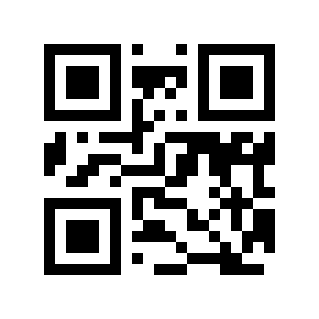
There are two methods for setting the maximum length of Code 39. Method 1 requires the user to generate a QR code and is more flexible when configuring multiple values. Method 2 uses the Parameter Barcodes in this manual; scan them in the specified sequence.
Code 39 Maximum length Parameter Barcode content format: >!000146XX.
XXSet variable, decimal range
0-255.
Example
The maximum length of Code 39 is set to
9, then the Parameter Barcode content is:>!0001469.The maximum length of Code 39 is set to
20, then the Parameter Barcode content is:>!00014620.
Code 32 Switch#
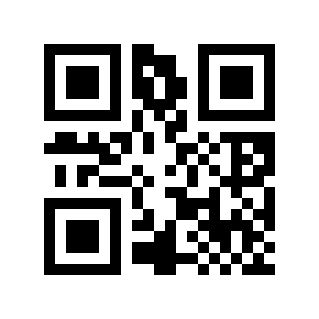
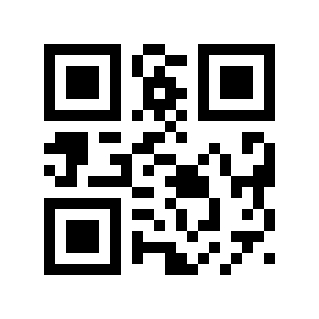
Scan the following Parameter Barcode to enable/disable the setting of Code 39 to Code 32
* Disable# |
Enable# |
Code 32 prefix#
Scan the following Parameter Barcode to set whether the Code 32 prefix is transmitted.
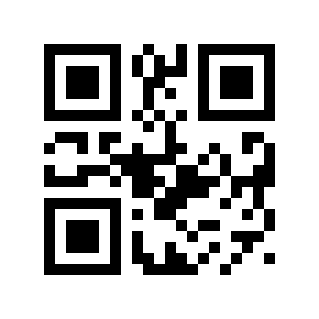
* Disable# |
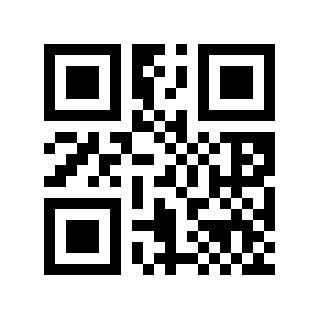
Enable# |
Code 32 Check Digit Verification#
Scan the following Parameter Barcode to set whether the Code 32 check digit is verified.
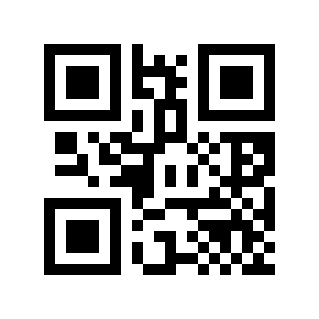
* Disable# |
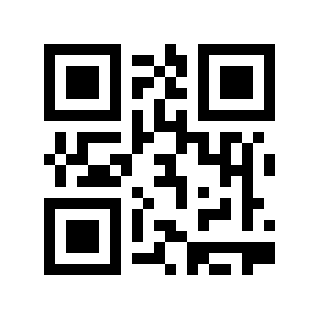
Enable# |
Code 32 Check Digit Transmission#
Scan the following Parameter Barcode to set whether the Code 32 check digit is transmitted.
Note
To enable transmission check digit, please enable the check digit verification function first.
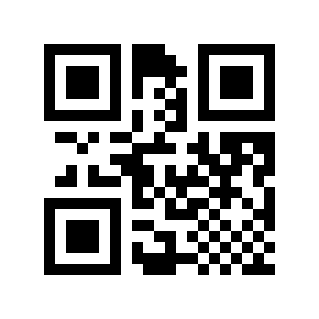
* Disable# |
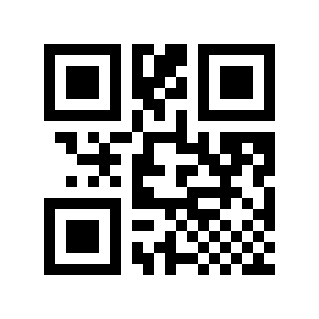
Enable# |
Codabar#
Codabar Switch#
Scan the following Parameter Barcode to enable/disable Codabar barcode reading.
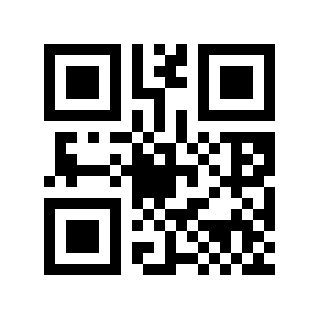
* Disable# |
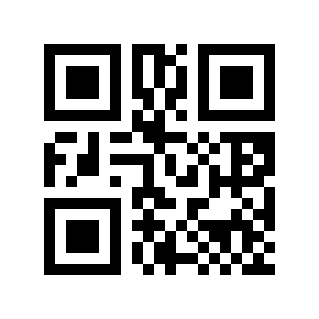
Enable# |
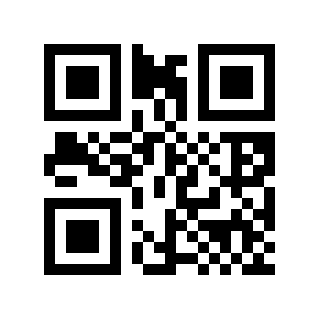
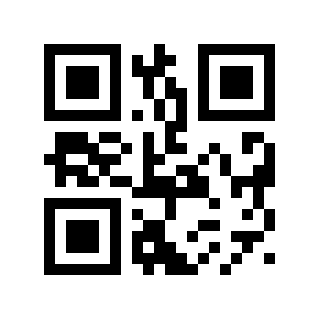
Codabar Check Digit Verification#
Scan the following Parameter Barcode to set whether the Codabar check digit is verified.
* Disable# |
Enable# |
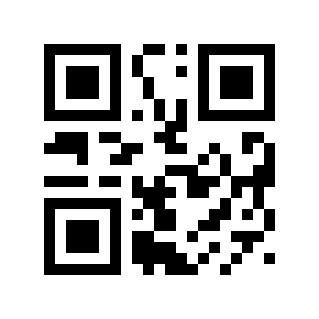
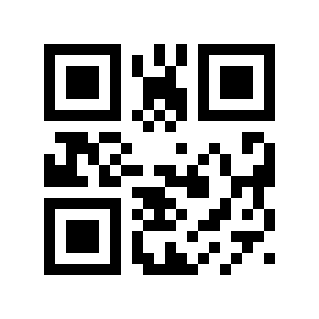
Codabar Check Digit Transmission#
Scan the following Parameter Barcode to set whether the Codabar check digit is transmitted.
Note
To enable transmission check digit, please enable the check digit verification function first.
* Disable# |
Enable# |
Codabar Start/Stop Character Transmission#
Scan the following Parameter Barcode to set whether the Codabar start/stop character is transmitted.
Disable# |
* Enable# |
Codabar Start/Stop Character Format#
Scan the following Parameter Barcode to set the Codabar start/stop character format.
* Ordinary ABCD Format# |
ABCD/TN*E Format# |
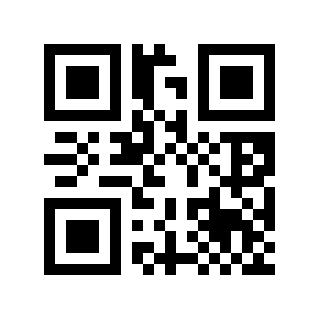
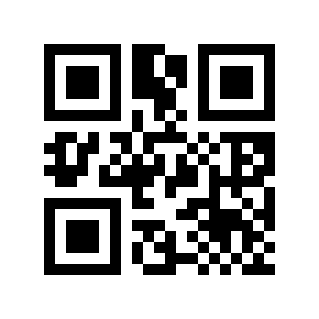
Codabar Start/Stop Character Case#
Scan the following Parameter Barcode to set whether the Codabar start/stop character is uppercase or lowercase.
*uppercase# |
Lower Case# |
Codabar Minimum Length#
There are two methods for setting the minimum length of Codabar. Method 1 requires the user to generate a QR code and is more flexible when configuring multiple values. Method 2 uses the Parameter Barcodes in this manual; scan them in the specified sequence.
Codabar minimum length Parameter Barcode content format: >!000156XX.
XXSet variable, decimal range
0-255.
Example
The minimum length of Codabar is set to
2, then the Parameter Barcode content is:>!0001562.The minimum length of Codabar is set to
12, then the Parameter Barcode content is:>!00015612.
Codabar Maximum Length#
There are two methods for setting the maximum length of Codabar. Method 1 requires the user to generate a QR code and is more flexible when configuring multiple values. Method 2 uses the Parameter Barcodes in this manual; scan them in the specified sequence.
Codabar maximum length Parameter Barcode content format: >!000157XX.
XXSet variable, decimal range
0-255.
Example
The maximum length of Codabar is set to
9, then the Parameter Barcode content is:>!0001579.The maximum length of Codabar is set to
20, then the Parameter Barcode content is:>!00015720.
Code 93#
Code 93 Switch#
Scan the following Parameter Barcode to enable/disable reading of Code 93 barcodes.
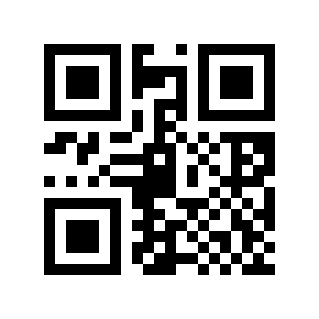
Disable# |
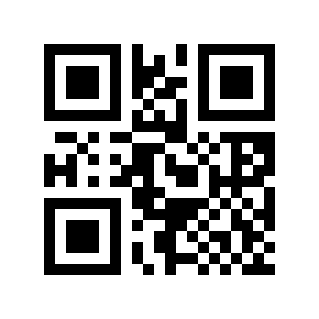
* Enable# |
Code 93 Minimum Length#
There are two methods for setting the minimum length of Code 93. Method 1 requires the user to generate a QR code and is more flexible when configuring multiple values. Method 2 uses the Parameter Barcodes in this manual; scan them in the specified sequence.
Code 93 minimum length Parameter Barcode content format: >!000163XX.
XXSet variable, decimal range
0-255.
Example
Code 93 minimum length is set to
2, then the Parameter Barcode content is:>!0001632.The minimum length of Code 93 is set to
12, then the Parameter Barcode content is:>!00016312.
Code 93 Maximum Length#
There are two methods for setting the maximum length of Code 93. Method 1 requires the user to generate a QR code and is more flexible when configuring multiple values. Method 2 uses the Parameter Barcodes in this manual; scan them in the specified sequence.
Code 93 maximum length Parameter Barcode content format: >!000164XX.
XXSet variable, decimal range
0-255.
Example
The maximum length of Code 93 is set to
9, then the Parameter Barcode content is:>!0001649.The maximum length of Code 93 is set to
20, then the Parameter Barcode content is:>!00016420.
Code 11#
Code 11 Switch#
Scan the following Parameter Barcode to enable/disable reading of Code 11 barcodes.
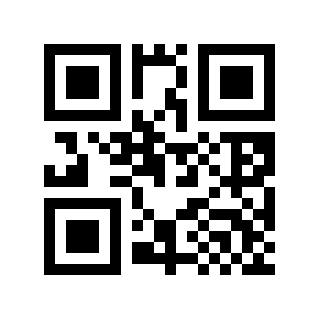
* Disable# |
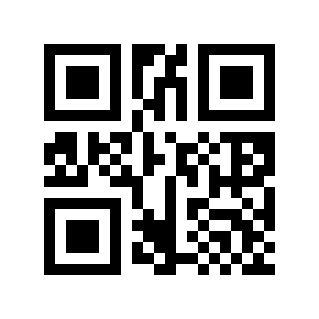
Enable# |
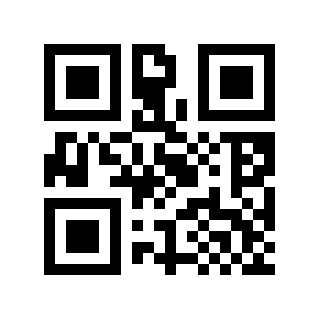
Code 11 Check Digit Verification#
Scan the following Parameter Barcode to set whether the Code 11 check digit is verified.
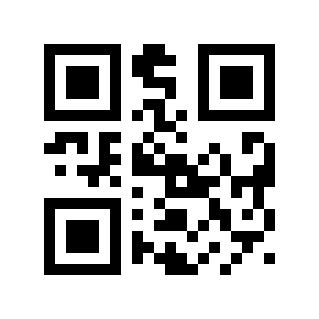
* No Verification# |
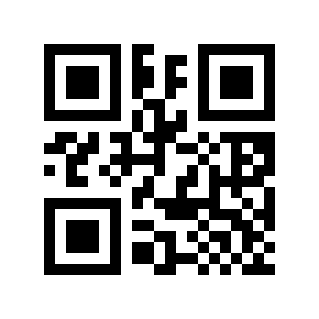
One Check Digit# |
Two Check Digits# |
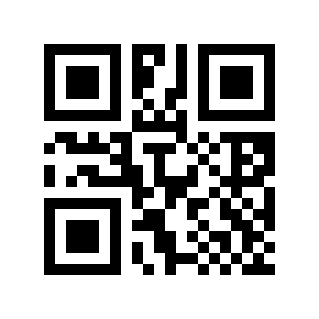
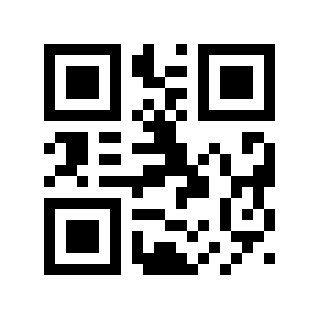
Code 11 Check Digit Transmission#
Scan the following Parameter Barcode to set whether the Code 11 check digit is transmitted.
Note
To enable transmission check digit, please enable the check digit verification function first.
* Disable# |
Enable# |
Code 11 Minimum Length#
There are two methods for setting the minimum length of Code 11. Method 1 requires the user to generate a QR code and is more flexible when configuring multiple values. Method 2 uses the Parameter Barcodes in this manual; scan them in the specified sequence.
Code 11 minimum length Parameter Barcode content format: >!000173XX.
XXSet variable, decimal range
0-255.
Example
The minimum length of Code 11 is set to
2, then the Parameter Barcode content is:>!0001732.The minimum length of Code 11 is set to
12, then the Parameter Barcode content is:>!00017312.
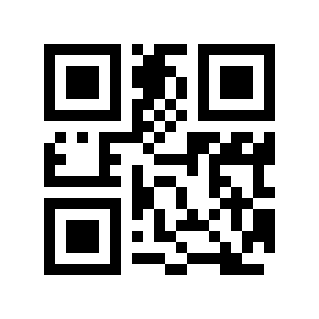
Code 11 Maximum Length#
There are two methods for setting the maximum length of Code 11. Method 1 requires the user to generate a QR code and is more flexible when configuring multiple values. Method 2 uses the Parameter Barcodes in this manual; scan them in the specified sequence.
Code 11 maximum length Parameter Barcode content format: >!000174XX.
XXSet variable, decimal range
0-255.
Example
The maximum length of Code 11 is set to
9, then the Parameter Barcode content is:>!0001749.The maximum length of Code 11 is set to
20, then the Parameter Barcode content is:>!00017420.
MSI Plessey#
MSI Plessey Switch#
Scan the following Parameter Barcode to enable/disable MSI Plessey barcode reading.
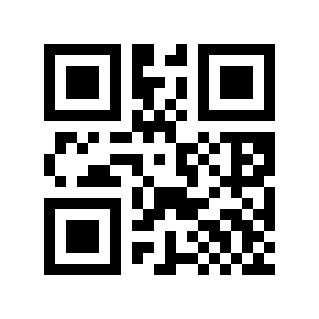
* Disable# |
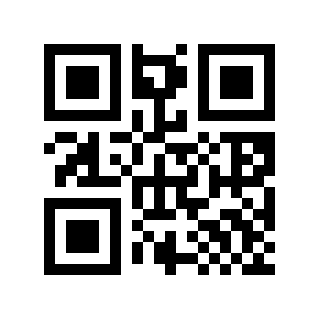
Enable# |
MSI Plessey Check Digit Verification#
Scan the following Parameter Barcode to set whether the MSI Plessey check digit is verified.
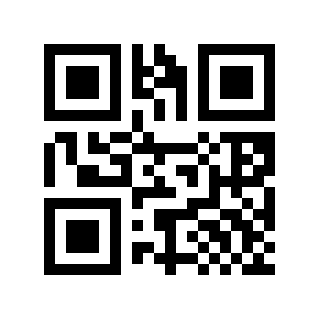
* MOD10 Single Character Check# |
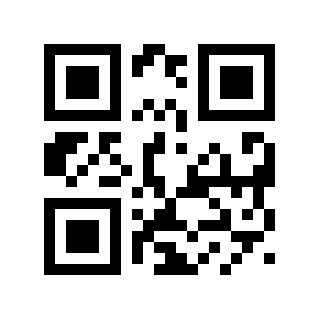
MOD10/MOD10 Double Character Check# |
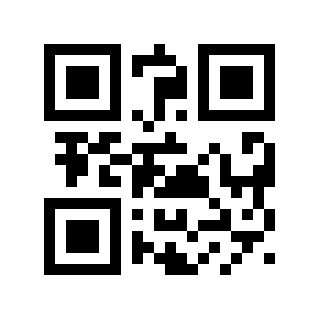
MOD10/MOD11 Double Character Check# |
MSI Plessey Check Digit Transmission#
Scan the following Parameter Barcode to set whether the MSI Plessey check digit is transmitted.
Note
To enable transmission check digit, please enable the check digit verification function first.
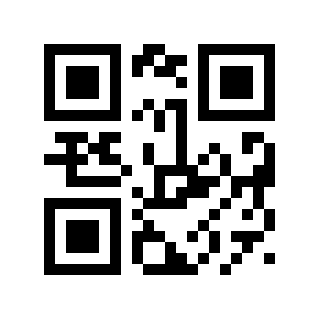
* Disable# |
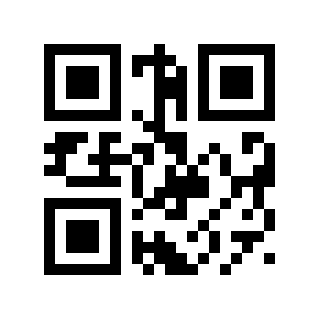
Enable# |
MSI Plessey Minimum Length#
There are two methods for setting the minimum length of MSI Plessey. Method 1 requires the user to generate a QR code and is more flexible when configuring multiple values. Method 2 uses the Parameter Barcodes in this manual; scan them in the specified sequence.
MSI Plessey minimum length Parameter Barcode content format: >!000193XX.
XXSet variable, decimal range
0-255.
Example
The minimum length of MSI Plessey is set to
2, then the Parameter Barcode content is:>!0001932.The minimum length of MSI Plessey is set to
12, then the Parameter Barcode content is:>!00019312.
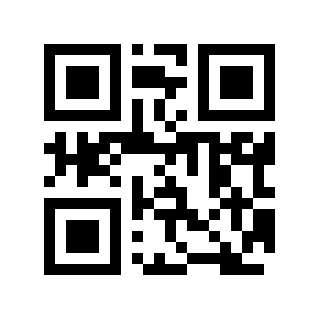
MSI Plessey Max Length#
There are two methods for setting the maximum length of MSI Plessey. Method 1 requires the user to generate a QR code and is more flexible when configuring multiple values. Method 2 uses the Parameter Barcodes in this manual; scan them in the specified sequence.
MSI Plessey maximum length Parameter Barcode content format: >!000194XX.
XXSet variable, decimal range
0-255.
Example
The maximum length of MSI Plessey is set to
9, then the Parameter Barcode content is:>!0001949.The maximum length of MSI Plessey is set to
20, then the Parameter Barcode content is:>!00019420.
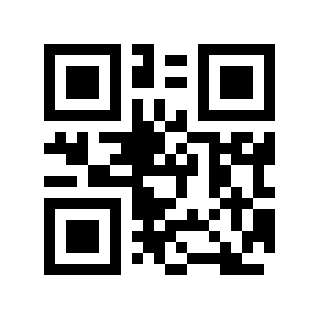
GS1 DataBar/RSS#
Scan the following Parameter Barcode to enable/disable reading of GS1 DataBar barcodes.
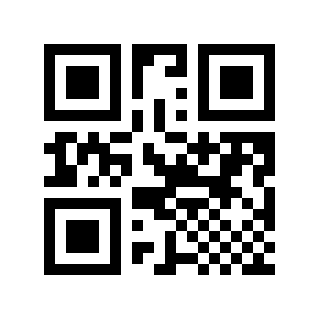
* Disable# |
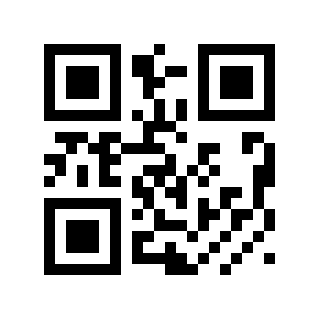
Enable# |
Composite Code#
Scan the following Parameter Barcode to enable/disable reading of Composite Code barcodes.
Note
To enable Composite Code, please enable a separate corresponding code first.
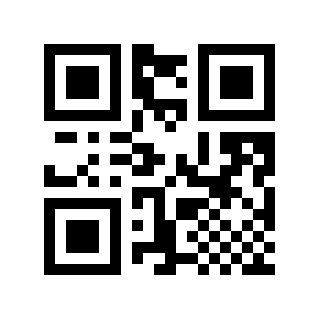
* Disable# |
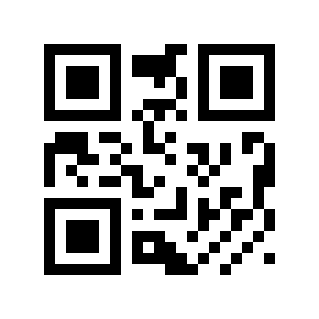
Enable# |
TELEPEN#
Scan the following Parameter Barcode to enable/disable TELEPEN barcode reading.
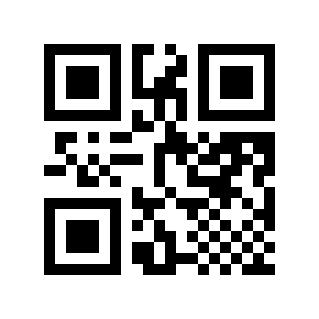
* Disable# |
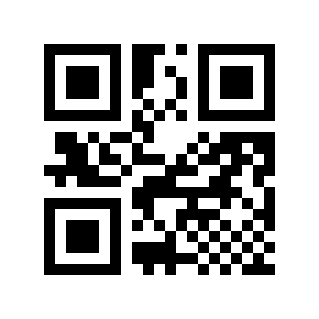
Enable# |
TRIOPTIC#
Scan the following Parameter Barcode to enable/disable TRIOPTIC barcode reading.
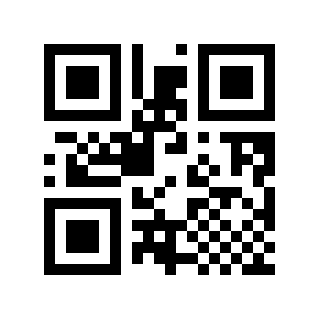
* Disable# |
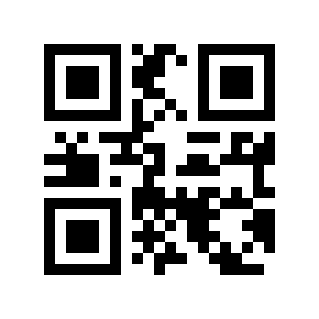
Enable# |
HONG KONG 2 OF 5/CHINA POST#
Scan the following Parameter Barcode to enable/disable reading of the HONG KONG 2 of 5 barcode.
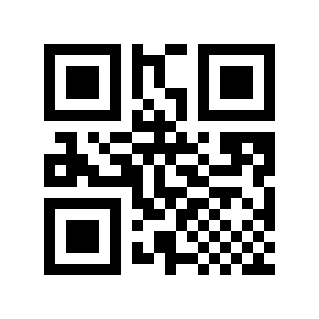
* Disable# |
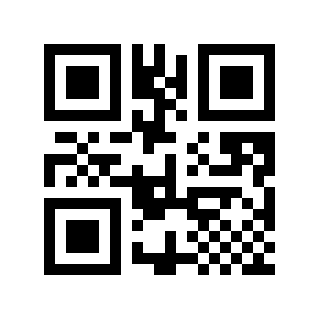
Enable# |
Korea Post/Korea Post#
Scan the following Parameter Barcode to enable/disable reading of KOREA POST/Korea Post barcodes. The barcode length must be 6 bytes.
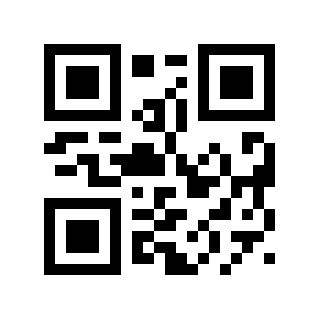
* Disable# |
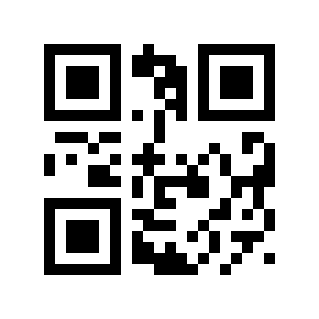
Enable# |
KOREA POST Check Digit Transmission#
Scan the following Parameter Barcode to set whether the KOREA POST check digit is transmitted.
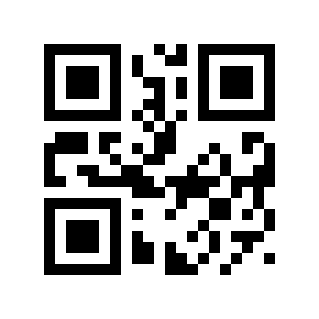
* Disable# |
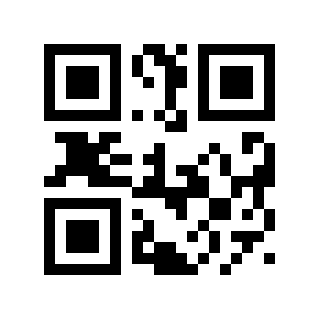
Enable# |
KOREA POST Data Reversed#
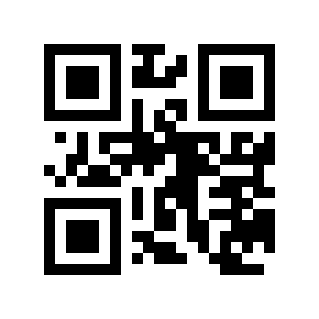
* Disable# |
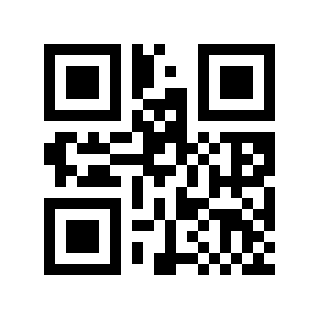
Enable# |
PDF417#
PDF417 Switch#
Scan the following Parameter Barcode to enable/disable reading of PDF417 barcodes.
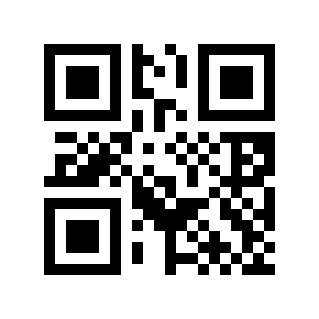
Disable# |
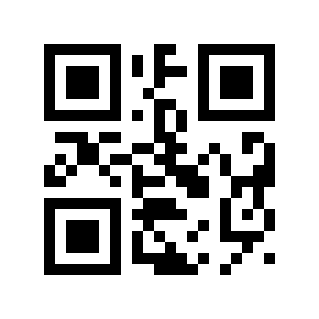
* Enable# |
PDF417 Inverse Reading#
Scan the following Parameter Barcode to configure PDF417 inverse reading.
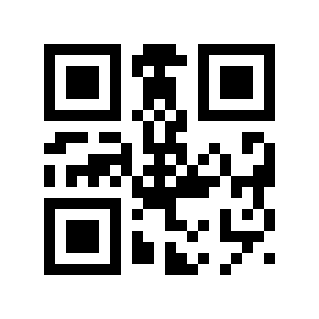
* Read Only Positive Colors# |
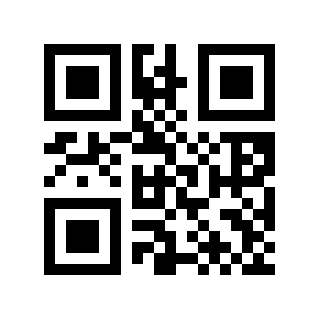
Read Inverse Barcodes Only# |
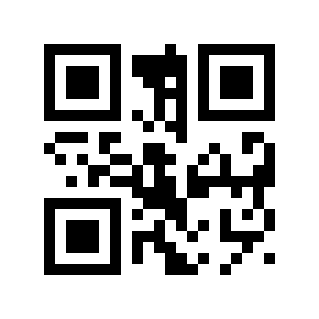
Read Normal and Inverse Barcodes# |
QR Code#
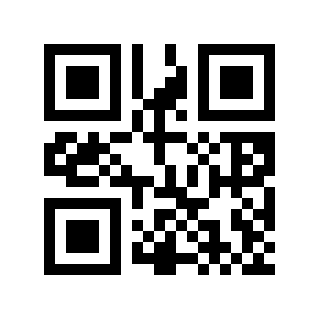
QR Switch#
Scan the following Parameter Barcode to enable/disable reading of QR barcodes.
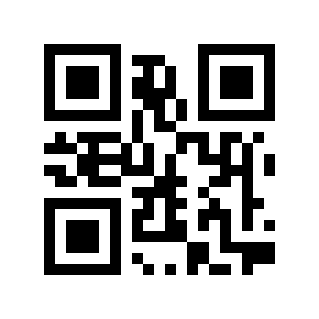
Disable# |
* Enable# |
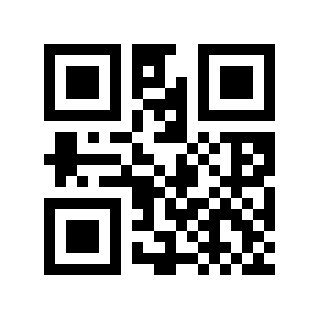
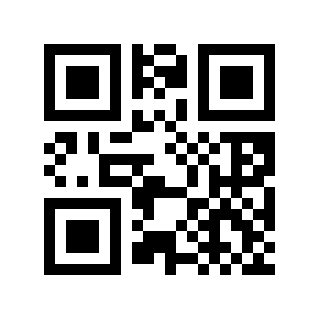
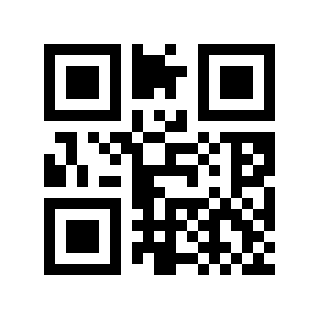
QR Code inverse reading#
Scan the following Parameter Barcode to configure QR Code inverse reading.
* Read Only Positive Colors# |
Read Inverse Barcodes Only# |
Read Normal and Inverse Barcodes# |
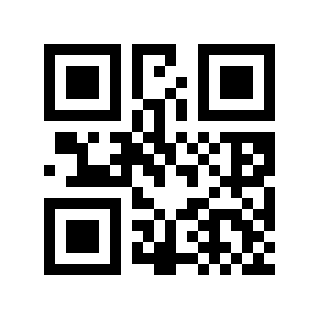
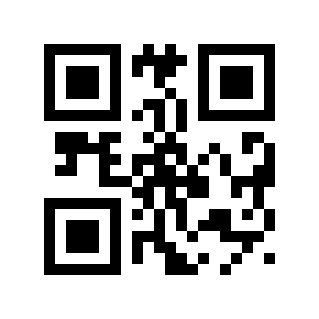
QR Code Mirror Reading#
Scan the following Parameter Barcode to set whether the image QR Code can be read.
Disable# |
* Enable# |
Data Matrix (DM)#
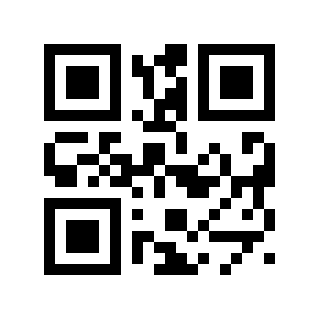
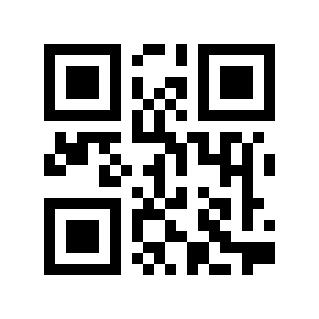
Data Matrix Switch#
Scan the following Parameter Barcode to enable/disable reading of Data Matrix barcodes.
Disable# |
* Enable# |
Data Matrix inverse reading#
Scan the following Parameter Barcode to configure Data Matrix inverse reading.
* Read Only Positive Colors# |
Read Inverse Barcodes Only# |
Read Normal and Inverse Barcodes# |
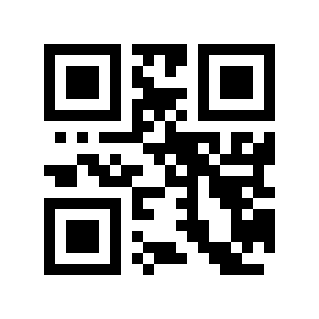
Data Matrix Image Reading#
Scan the following Parameter Barcode to set whether the image Data Matrix code can be read.
* Disable# |
Enable# |
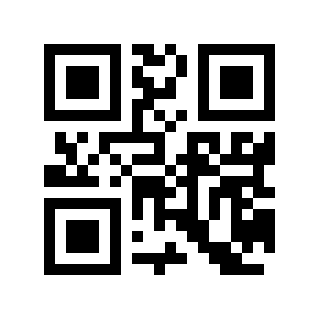
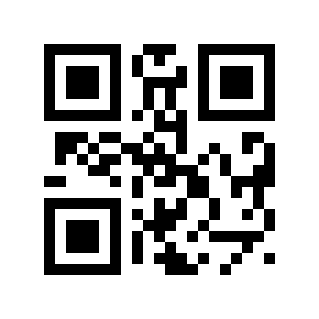
DM ECI Control#
* Disable# |
Enable# |
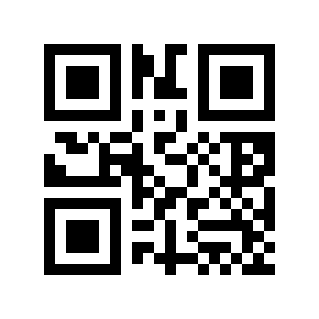
Aztec Code#
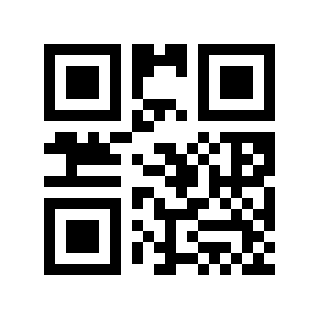
Scan the following Parameter Barcode to enable/disable reading of AZTEC CODE barcodes.
* Disable# |
Enable# |
M Series - Symbology Enable/Disable Configuration#
M series products support all symbologies of the L series and add the symbologies listed in this chapter based on the L series.
Pharmacode One-Track#
PHARMACODE ONE-TRACK Switch#
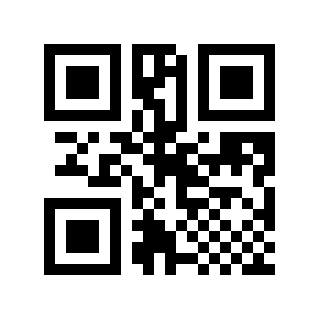
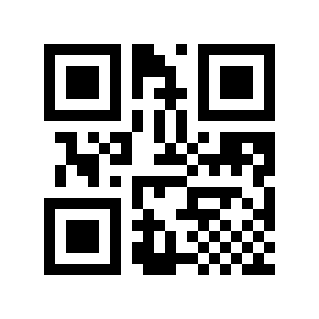
Scan the following Parameter Barcode to enable/disable reading of PHARMACODE ONE-TRACK barcodes.
* Disable# |
Enable# |
PHARMACODE ONE-TRACK Barcode Direction#
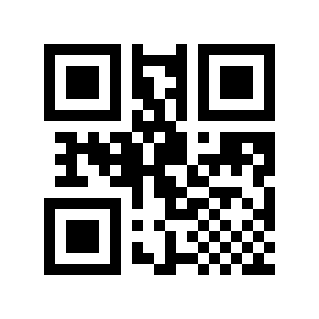
Scan the following Parameter Barcode to set the horizontal/vertical direction of the PHARMACODE ONE-TRACK barcode.
* Level# |
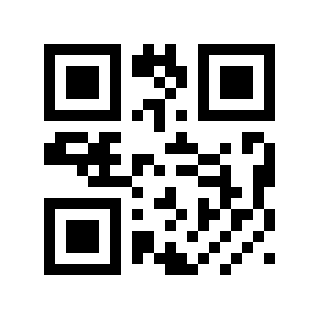
Vertical# |
PHARMACODE ONE-TRACK Data Reversed#
Scan the following Parameter Barcode to enable/disable inversion of PHARMACODE ONE-TRACK barcode data.
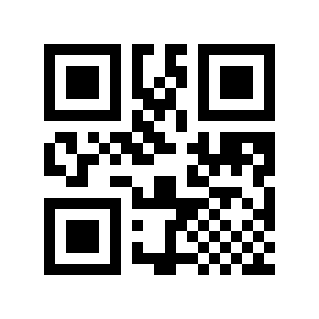
* Disable# |
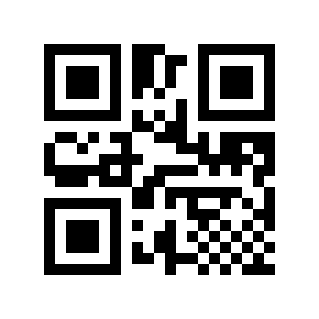
Enable# |
Codablock A#
Scan the following Parameter Barcode to enable/disable CODABLOCK A barcode reading.
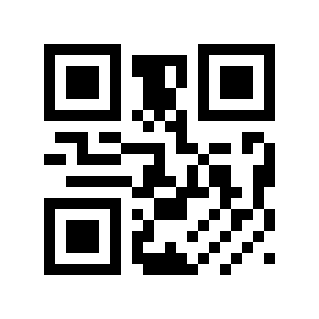
* Disable# |
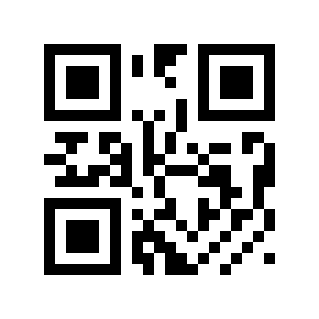
Enable# |
Codablock F#
Scan the following Parameter Barcode to enable/disable CODABLOCK F barcode reading.
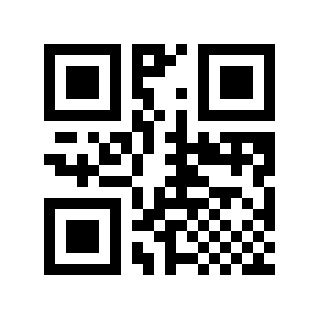
* Disable# |
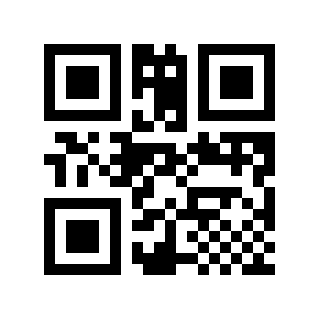
Enable# |
MaxiCode#
Scan the following Parameter Barcode to enable/disable reading of MaxiCode barcodes.
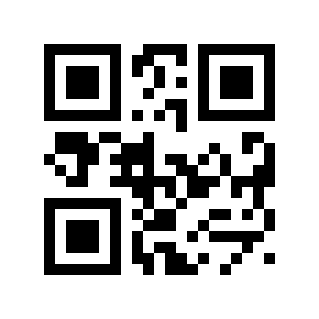
* Disable# |
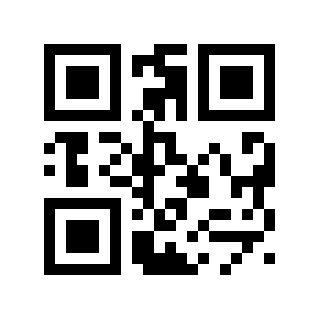
Enable# |
Han Xin#
HAN XIN Switch#
Scan the following Parameter Barcode to enable/disable reading of HAN XIN barcodes.
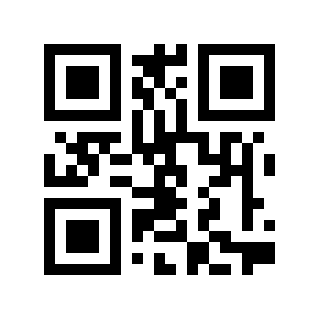
* Disable# |
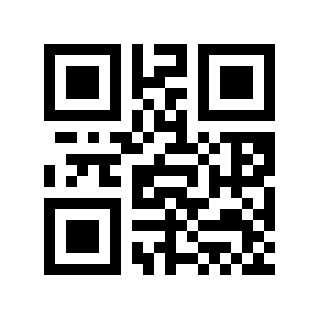
Enable# |
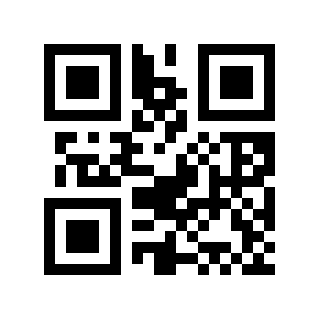
HAN XIN Code ECI Control#
Scan the following Parameter Barcode to set whether the HAN XIN code outputs ECI.
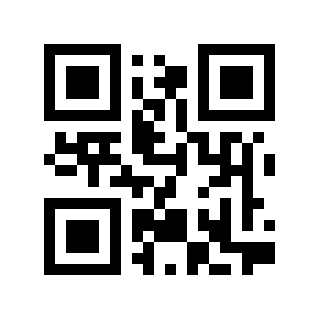
* Disable# |
Enable# |
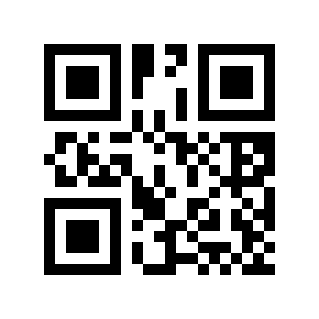
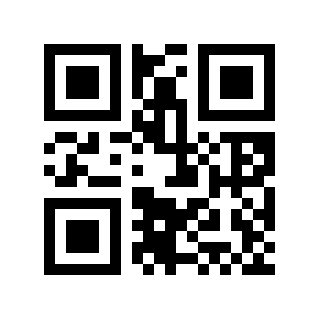
DotCode#
Scan the following Parameter Barcode to enable/disable reading of DOTCODE barcodes.
* Disable# |
Enable# |
H Series - Symbology Enable/Disable Configuration#
H series products support all symbologies of the M series and add the symbologies listed in this chapter based on the M series.
Postal Code#
POSTAL CODE Switch#
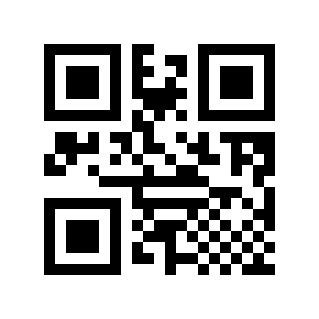
Scan the following Parameter Barcode to enable/disable POSTAL CODE reading.
Note
Only One Postal Code Can Be Enabled At A Time By Default
* Disable# |
Australian# |
British、Royal Mail(RM4CSS)# |
Intelligent Mail Bar# |
Japanese Post# |
KIX Post# |
Planet Code# |
USPS Postnet# |
Postal-4i/UPU FICS/UPU4-State# |
Planet Code Check Digit Transmission#
Scan the following Parameter Barcode to enable/disable transmission of the Planet code check digit.
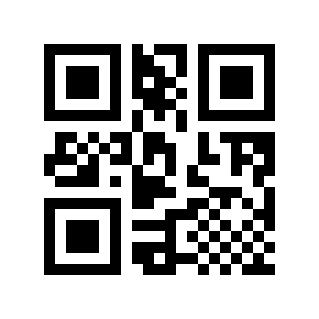
Disable# |
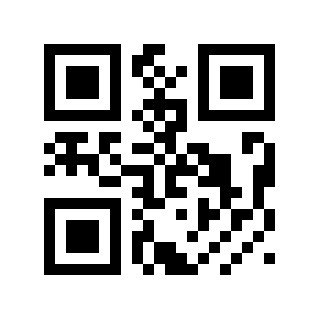
* Enable# |
USPS Postnet Check Digit Transmission#
Scan the following Parameter Barcode to set the USPS Postnet check digit to enable/disable transmission.
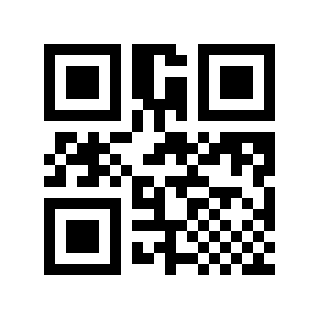
Disable# |
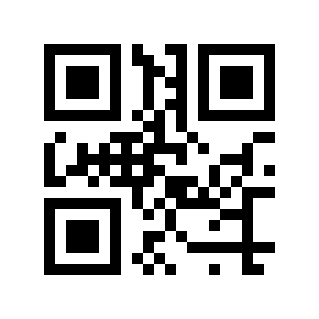
* Enable# |
GM#
Scan the following Parameter Barcode to enable/disable GM barcode reading.
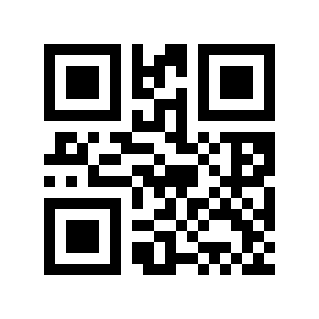
* Disable# |
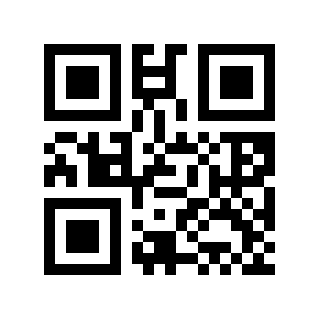
Enable# |
OCR#
OCR Switch#
Scan the following Parameter Barcode to enable/disable OCR character reading.
Note
Only Supports Chinese ID Card Recognition
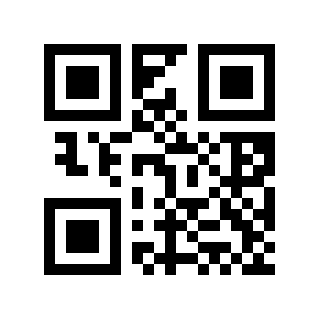
* Disable# |
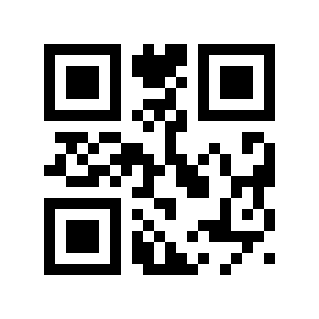
Enable# |
China ID Card Verification#
Scan the following Parameter Barcode to enable/disable ID card verification.
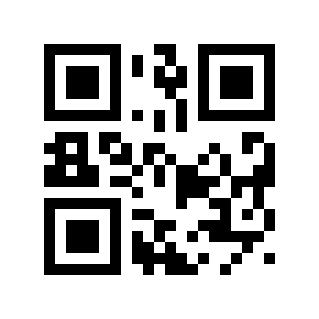
* Disable# |
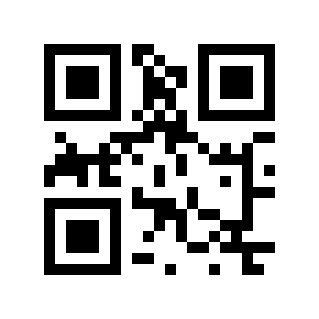
Enable# |